Back to Playground
Ereader
CrossNext for Sticky
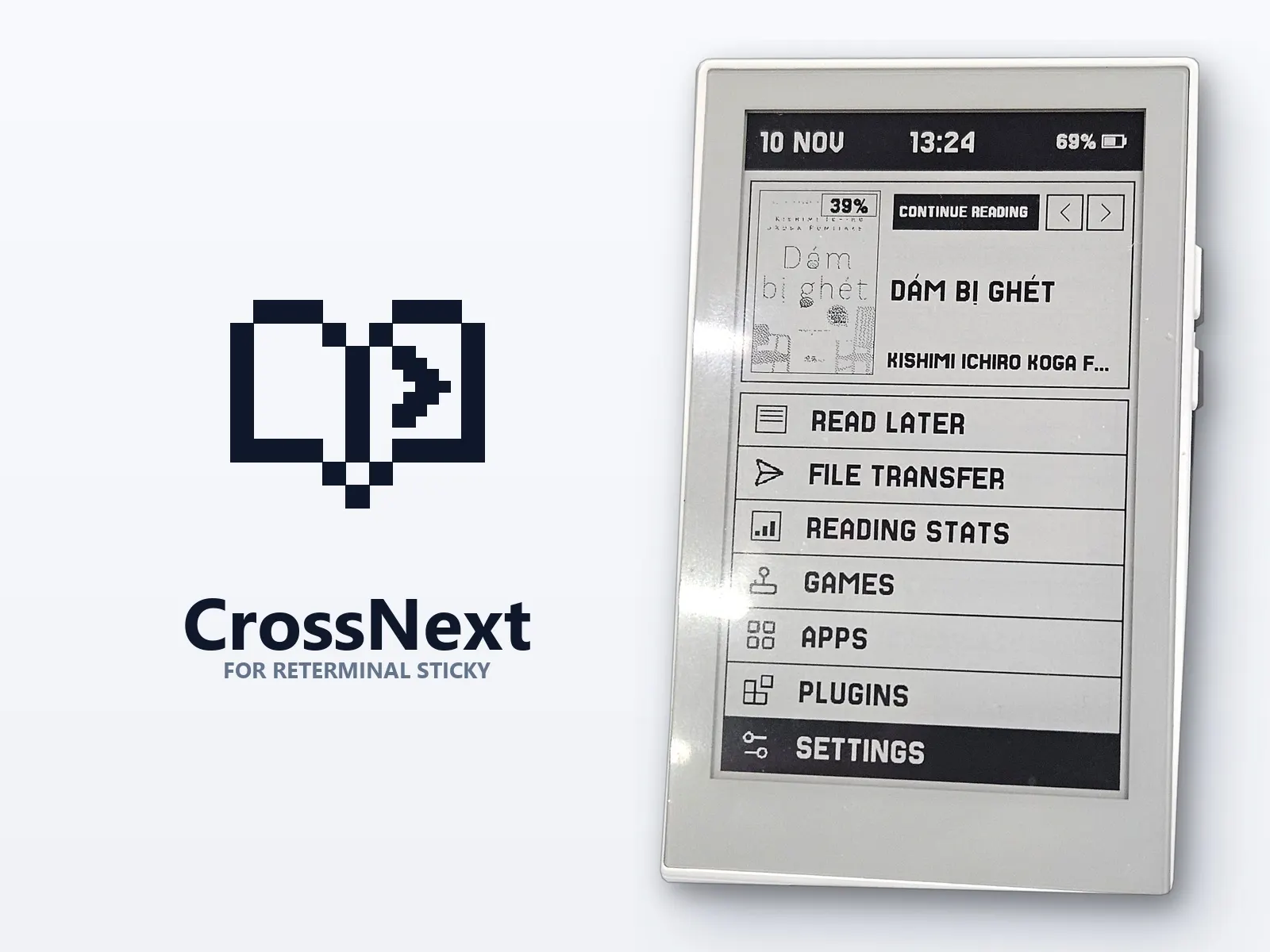
An EPUB reader with Vietnamese, English and Spanish menus, study tools, games, and saved book highlights on the sleep screen.
- Author 作者
- Loi Tran (loitq07)
- Source 来源
- CrossNext for Sticky
2.0.5 Experimental
Learn More
Step 1
Version and setup
An EPUB reader with Vietnamese, English and Spanish menus, study tools, games, and saved book highlights on the sleep screen.
- USB installation: Connect Sticky with a USB data cable and use desktop Chrome or Edge. The complete factory image is installed at offset 0x0. Back up device settings and microSD data before replacing firmware.
- First boot and storage: Insert a FAT32 microSD card containing your books. If Sticky stays in USB charging standby after reset, hold the physical Power button to wake the interface.
- Book highlight sleep screen: Settings > Display > Sleep screen > Book highlights uses saved passages from /My Clippings.txt. Set Change highlight every to 0 to disable timed rotation. Timer wake behavior and sleep current still require physical-device verification.
Step 2
Flash to device
Both modes verify and write the complete firmware package described by the selected manifest. Full flash erase only runs in the erase mode.
Flash device 0%
Connect your reTerminal Sticky with a USB data cable first.