Back to Playground
Community Firmware
Darkwatch Postcards
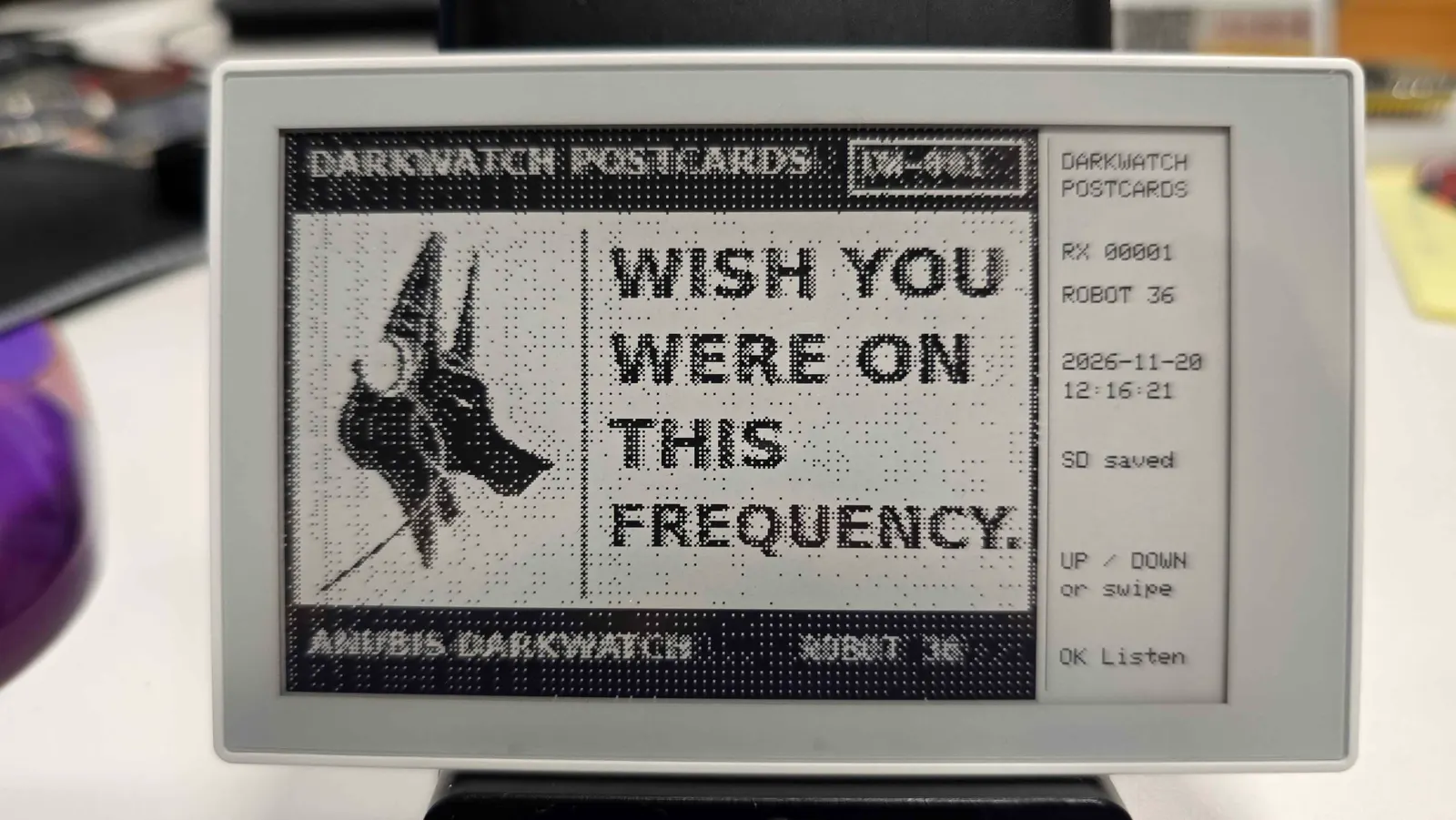
Receive Robot 36, PD90, or PD120 SSTV pictures through the built-in microphone of a Seeed Studio reTerminal Sticky and display it on e-paper
- Author 作者
- Anubis Darkwatch
- Source 来源
- Darkwatch Postcards
0.2.0 Stable
Learn More
Step 1
Version and setup
Receive Robot 36, PD90, or PD120 SSTV pictures through the built-in microphone of a Seeed Studio reTerminal Sticky and display it on e-paper
- Device connection: Connect reTerminal Sticky with a USB data cable and use desktop Chrome or Edge.
- Installation: This package is a complete merged Sticky image. Use the erase option when replacing another firmware.
Step 2
Flash to device
Both modes verify and write the complete firmware package described by the selected manifest. Full flash erase only runs in the erase mode.
Flash device 0%
Connect your reTerminal Sticky with a USB data cable first.