Back to Playground
Writing
Draftling
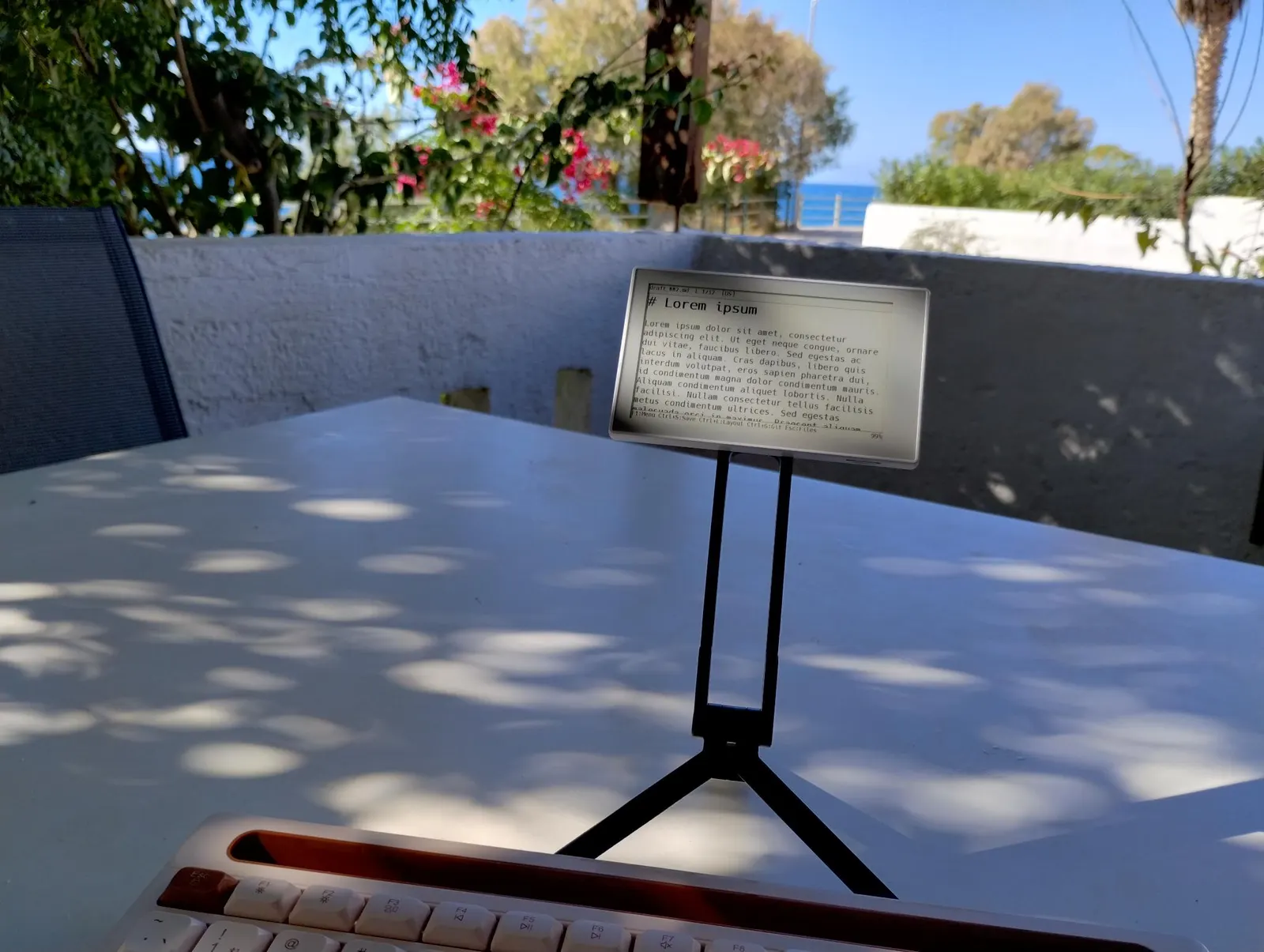
Distraction-free writerdeck: edit Markdown on Sticky with any Bluetooth keyboard and sync with Git.
1.0.16 Stable
Learn More
Step 1
Version and setup
Distraction-free writerdeck: edit Markdown on Sticky with any Bluetooth keyboard and sync with Git.
- Device connection: Connect reTerminal Sticky with a USB data cable and use desktop Chrome or Edge.
- Installation: The package writes the bootloader, partition table, OTA data, and Draftling application. It uses a dual-OTA partition layout, so the device can move between Draftling and other Sticky firmware without extra steps.
- Storage and keyboard: Insert a microSD card for your documents. Press F1 on a paired Bluetooth keyboard to open the menu; holding the Power button for 2 seconds forgets all stored keyboards.
Step 2
Flash to device
Both modes verify and write the complete firmware package described by the selected manifest. Full flash erase only runs in the erase mode.
Flash device 0%
Connect your reTerminal Sticky with a USB data cable first.