Back to Playground
Dashboard
HeySticky
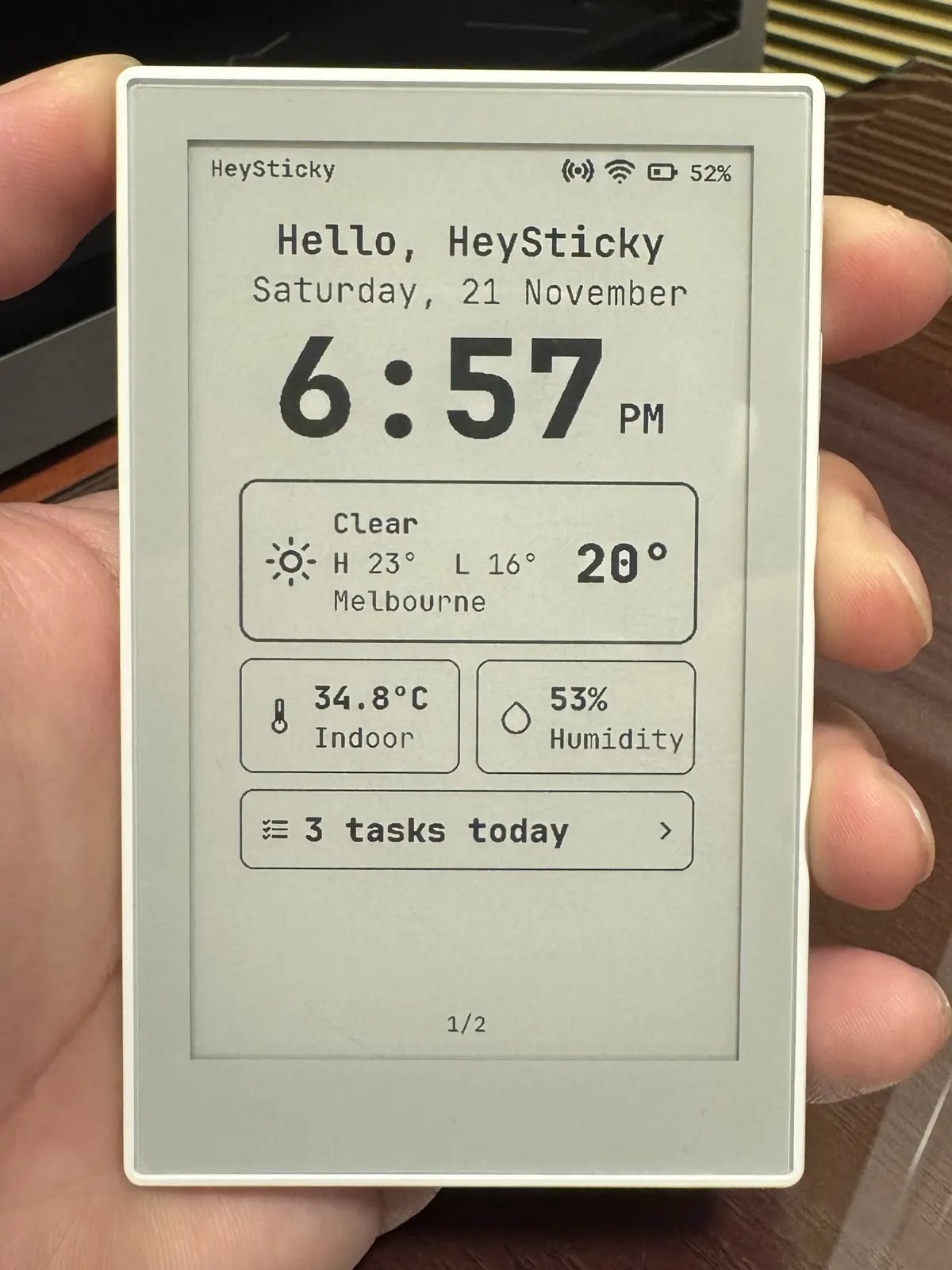
Personal assistant dashboard: clock, weather, indoor climate, to-dos and notes you add by voice, in English and Vietnamese.
1.2.0 Beta
Learn More
Step 1
Version and setup
Personal assistant dashboard: clock, weather, indoor climate, to-dos and notes you add by voice, in English and Vietnamese.
- Device connection: Connect reTerminal Sticky with a USB data cable and use desktop Chrome or Edge.
- Installation: The package writes the bootloader, partition table, OTA selector, and HeySticky application. Later versions install over Wi-Fi from Settings › Software Update.
- First setup: Insert a FAT32 microSD card. With no saved Wi-Fi, Sticky opens Web setup: scan the QR code, open 192.168.4.1, and set your name, city, and Wi-Fi. Add an AI key there to use voice.
Step 2
Flash to device
Both modes verify and write the complete firmware package described by the selected manifest. Full flash erase only runs in the erase mode.
Flash device 0%
Connect your reTerminal Sticky with a USB data cable first.