Back to Playground
Prayer Times
InkSalah
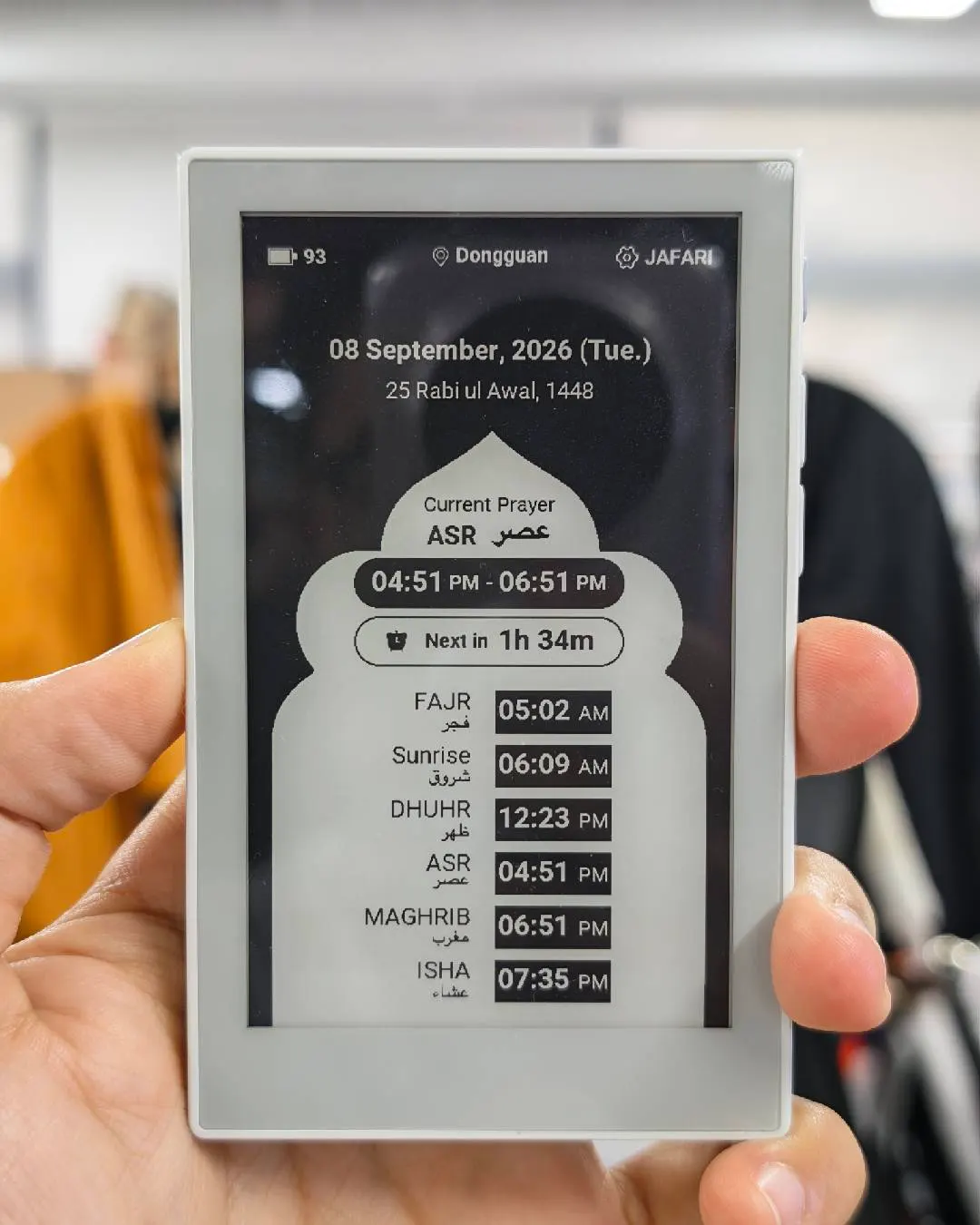
Turn reTerminal Sticky into an offline-first prayer-window display with native touch settings.
- Author 作者
- limengdu
- Source 来源
- InkSalah for reTerminal Sticky
0.1.1 Beta
Learn More
Step 1
Version and setup
Turn reTerminal Sticky into an offline-first prayer-window display with native touch settings.
- Device connection: Connect reTerminal Sticky with a USB-C data cable and use desktop Chrome or Edge.
- Clean installation: Accept the erase prompt when moving from another firmware so InkSalah can create a clean settings store.
- Wi-Fi onboarding: On first boot, connect a phone to the Sticky-Salah setup network, choose a nearby Wi-Fi network, and complete the captive setup page.
- Prayer settings: Confirm location and time zone on the device, then choose the calculation method, Asr school, per-time adjustments, reminder, and Qiyam display.
Step 2
Flash to device
Both modes verify and write the complete firmware package described by the selected manifest. Full flash erase only runs in the erase mode.
Flash device 0%
Connect your reTerminal Sticky with a USB data cable first.