Back to Playground
Community Firmware
Pregnancy-Journal
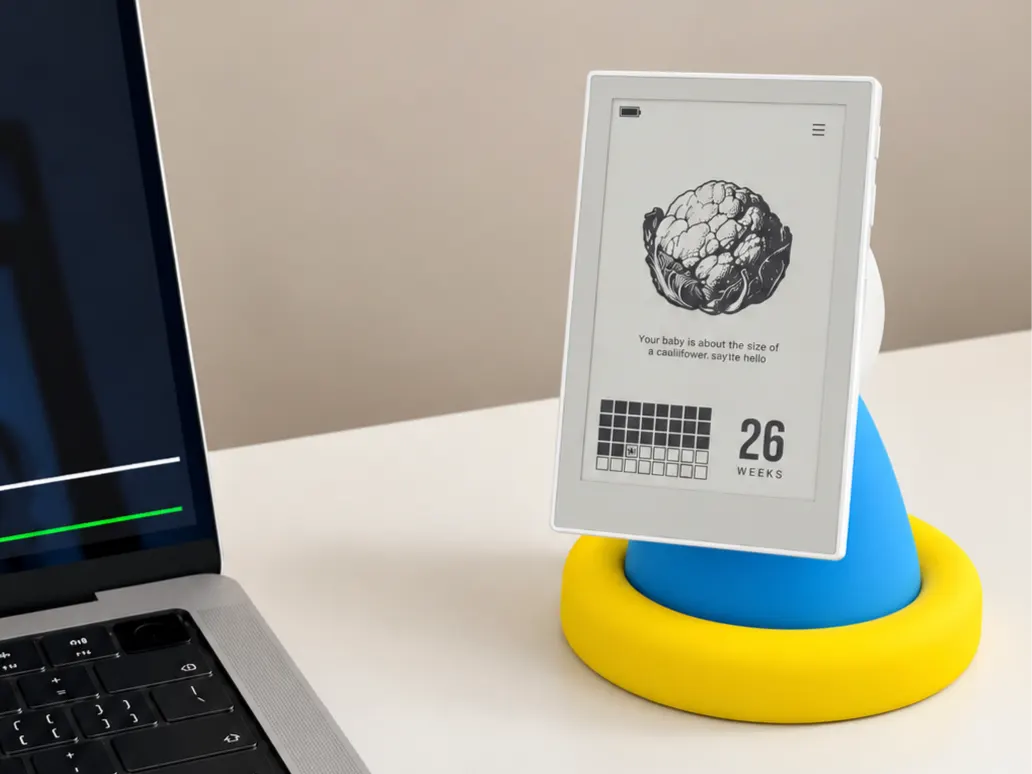
An offline pregnancy journal for reTerminal Sticky, with pregnancy-week tracking, weight records, and fetal movement counting.
- Author 作者
- 孕期手帐
- Source 来源
- Pregnancy-Journal
2.0.1 Stable
Learn More
Step 1
Version and setup
An offline pregnancy journal for reTerminal Sticky, with pregnancy-week tracking, weight records, and fetal movement counting.
- Device connection: Connect reTerminal Sticky with a USB data cable and use desktop Chrome or Edge.
- MicroSD required: Insert a FAT32-formatted MicroSD card. exFAT is not supported. On a writable card without a dataset, choose SET UP MEMORY CARD and confirm creation. The firmware never formats the card.
- Before upgrading: Back up the PREGJNL folder on your MicroSD card. This complete image also overwrites the internal NVS area, even without a full-chip erase. Export any legacy internal data before installation. The image does not contain or write MicroSD data.
- Installation: Flash the complete merged image at 0x0 on reTerminal Sticky (32 MB flash). Use the erase option when replacing another firmware. After boot, check the device time, language and existing card records.
- Personal records: This firmware organizes personal pregnancy records. It does not diagnose conditions or replace professional medical advice.
Step 2
Flash to device
Both modes verify and write the complete firmware package described by the selected manifest. Full flash erase only runs in the erase mode.
Flash device 0%
Connect your reTerminal Sticky with a USB data cable first.