Back to Playground
Medication
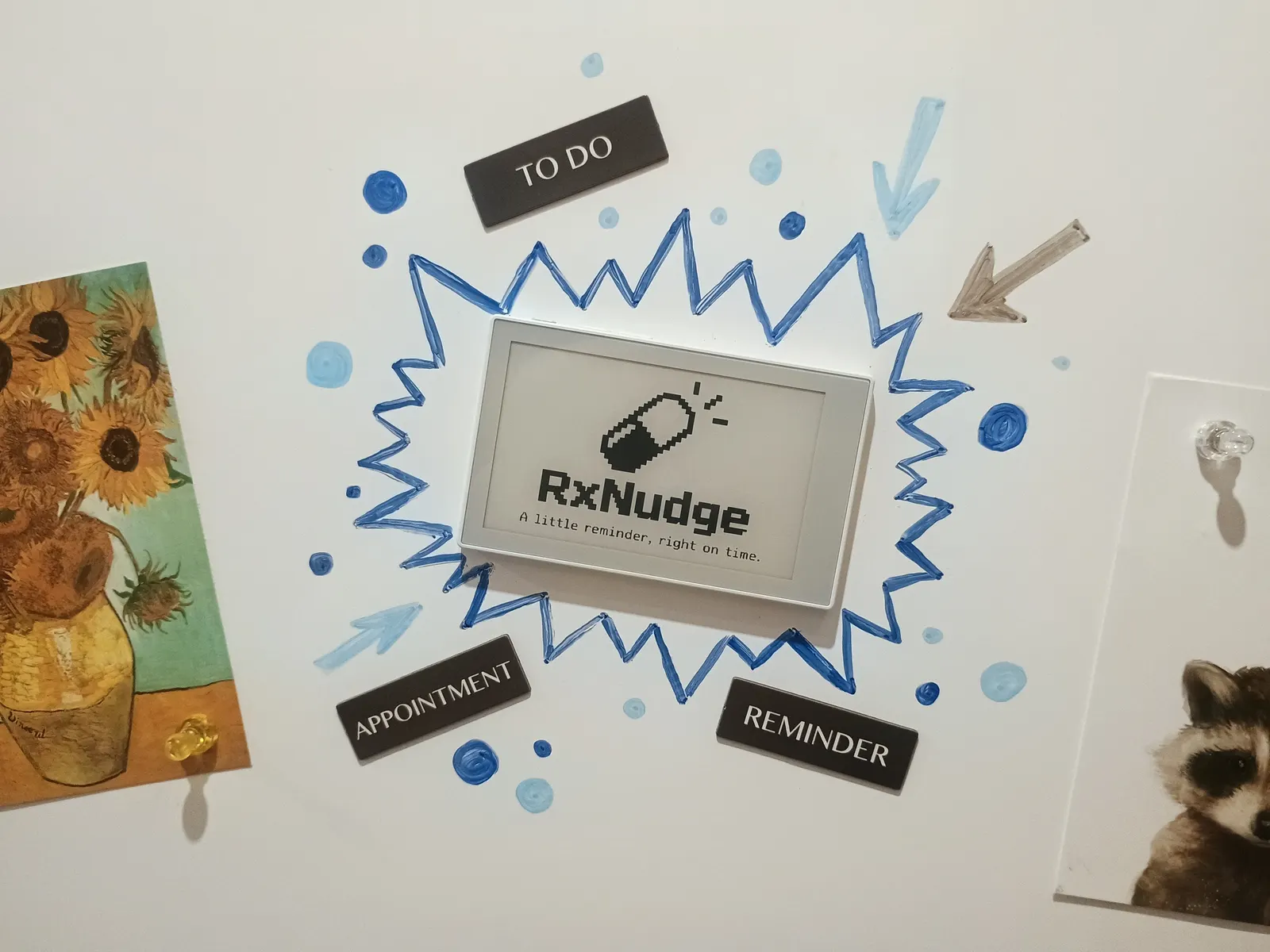
RxNudge
Household medication reminder for reTerminal Sticky. Multi-person schedules, e-paper alarms, and offline-first.
1.0.4 Experimental
Learn More
Step 1
Version and setup
Household medication reminder for reTerminal Sticky. Multi-person schedules, e-paper alarms, and offline-first.
- Device connection: Connect reTerminal Sticky with a USB data cable and use desktop Chrome or Edge.
- Installation: The package writes the complete RxNudge image from flash offset 0 (DIO, 40 MHz, 16 MB).
- First setup: After flashing, follow the on-device setup wizard (language, time zone, optional Wi-Fi, first person, optional PIN). Reminders start once the clock is set.
- Not a medical device: RxNudge is a reminder aid only. Always follow your doctor's and pharmacist's instructions. Do not rely on it alone for critical medicines.
Step 2
Flash to device
Both modes verify and write the complete firmware package described by the selected manifest. Full flash erase only runs in the erase mode.
Flash device 0%
Connect your reTerminal Sticky with a USB data cable first.