Back to Playground
Signage
ScreenTinker
Ultra-low-power digital signage client with 8MB PSRAM caching, multi-zone layouts, System Menu, and captive portal.
- Author 作者
- René Bohne
- Source 来源
- ScreenTinker MCU
1.1.0 Stable
Learn More
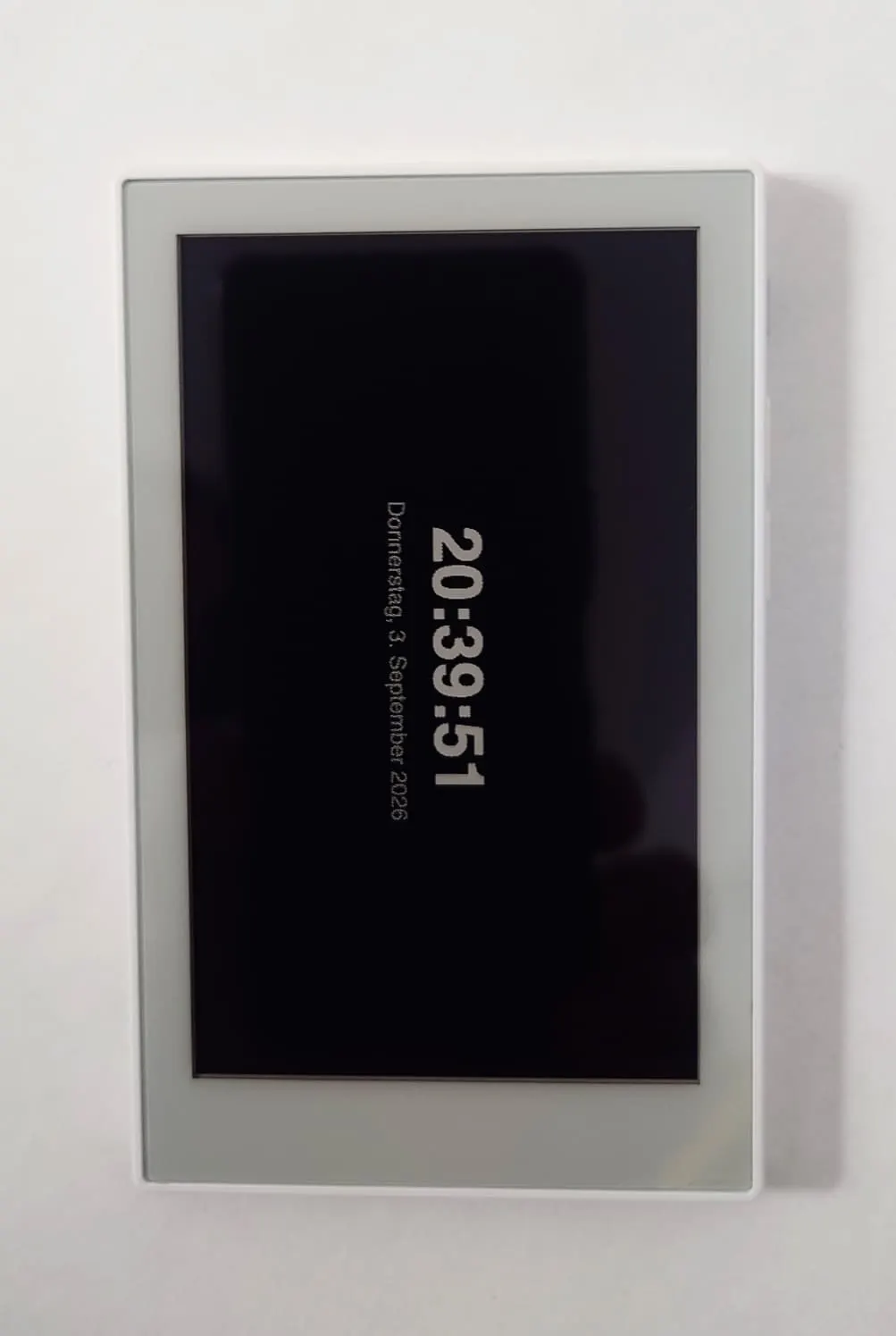
Step 1
Version and setup
Ultra-low-power digital signage client with 8MB PSRAM caching, multi-zone layouts, System Menu, and captive portal.
- USB Connection & Web Flashing: Connect reTerminal Sticky with a USB-C data cable and use desktop Chrome or Edge.
- Dual Onboarding Setup: After flashing, connect your smartphone to the 'ScreenTinker-Setup' Wi-Fi hotspot to configure Wi-Fi, Server URL, and Layout Mode via the popup setup portal, or use tools/sticky-installer.html via USB with WebSerial Config Protocol (WSCP) v1.0.
- Interactive System Menu & Wi-Fi Power: Hold the OK button for 1.5 seconds to open the on-screen System Menu (Status & Info, Wi-Fi TX Power level, Language EN/DE, Unpair Device, Power Off, Factory Reset). Navigate with UP/DOWN and confirm with OK.
- 6-Digit Pairing Code: Once Wi-Fi is connected, the Sticky will display a 6-digit pairing code on screen. In your ScreenTinker dashboard, click '+ Add Display' and enter the code.
Step 2
Flash to device
Both modes verify and write the complete firmware package described by the selected manifest. Full flash erase only runs in the erase mode.
Flash device 0%
Connect your reTerminal Sticky with a USB data cable first.