Back to Playground
Games
Sticky Arcade
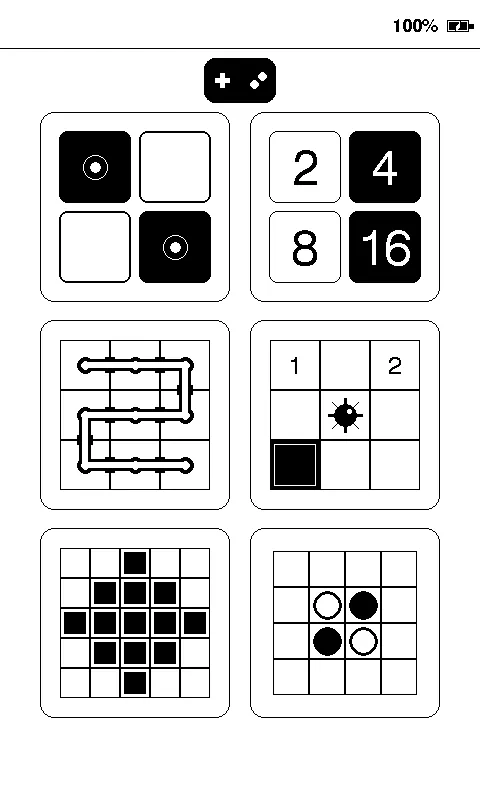
Play 17 touch games and read DRM-free EPUB books offline on reTerminal Sticky.
- Author 作者
- Dan Podeanu
- Source 来源
- Sticky Arcade v2.0.0 release
2.0.0 Stable
Learn More
Step 1
Version and setup
Play 17 touch games and read DRM-free EPUB books offline on reTerminal Sticky.
- Device connection: Connect reTerminal Sticky with a USB data cable and use desktop Chrome or Edge.
- Clean installation: Erase the device when installing Sticky Arcade over another firmware. The package writes one complete 32 MB ESP32-S3 merged image from flash offset 0.
- First boot: Choose English, Spanish, French, German, or Simplified Chinese. The language can be changed later from the selector settings cog.
- Offline use: All 17 games run offline. Insert a microSD card only when browsing and reading supported DRM-free EPUB 2/3 books.
Step 2
Flash to device
Both modes verify and write the complete firmware package described by the selected manifest. Full flash erase only runs in the erase mode.
Flash device 0%
Connect your reTerminal Sticky with a USB data cable first.