Back to Playground
Voice
Sticky Assistant
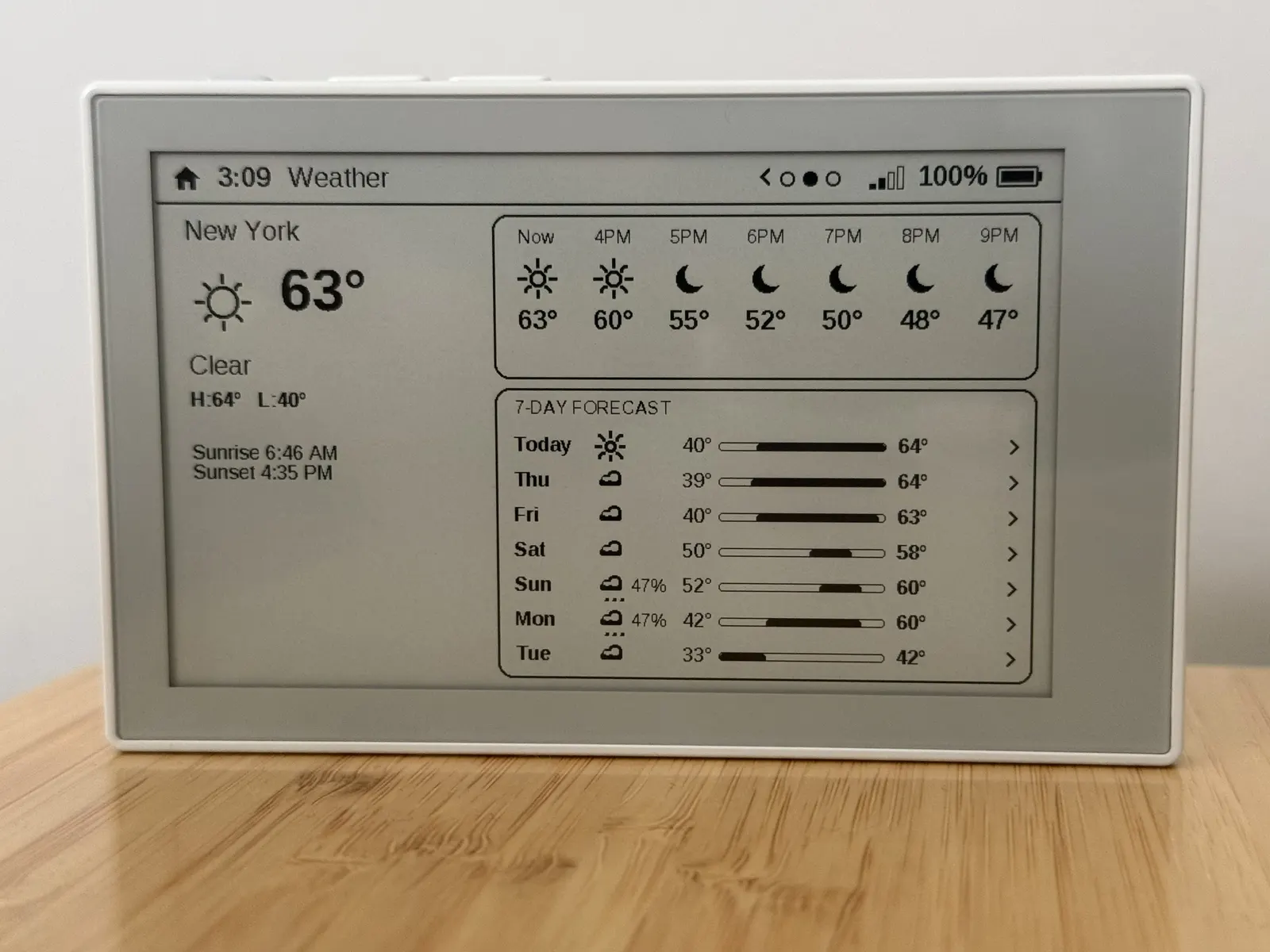
A push-to-talk voice assistant with calendar, to-dos and weather pages, using Claude, Gemini or any OpenAI-compatible model.
- Author 作者
- biggy-spoon
- Source 来源
- sticky-assistant
1.0.0 Stable
Learn More
Step 1
Version and setup
A push-to-talk voice assistant with calendar, to-dos and weather pages, using Claude, Gemini or any OpenAI-compatible model.
- Device connection: Connect the reTerminal Sticky with a USB data cable and use desktop Chrome or Edge.
- Erase on first install: Use the erase option when replacing another firmware. Reinstalling without erasing keeps your WiFi and backend settings.
- After installing: The screen shows how to join the StickyAssistant-Setup WiFi network and enter your WiFi and your backend's address. Start the backend first: see the project README.
Step 2
Flash to device
Both modes verify and write the complete firmware package described by the selected manifest. Full flash erase only runs in the erase mode.
Flash device 0%
Connect your reTerminal Sticky with a USB data cable first.