Back to Playground
Bus
Bus ETA
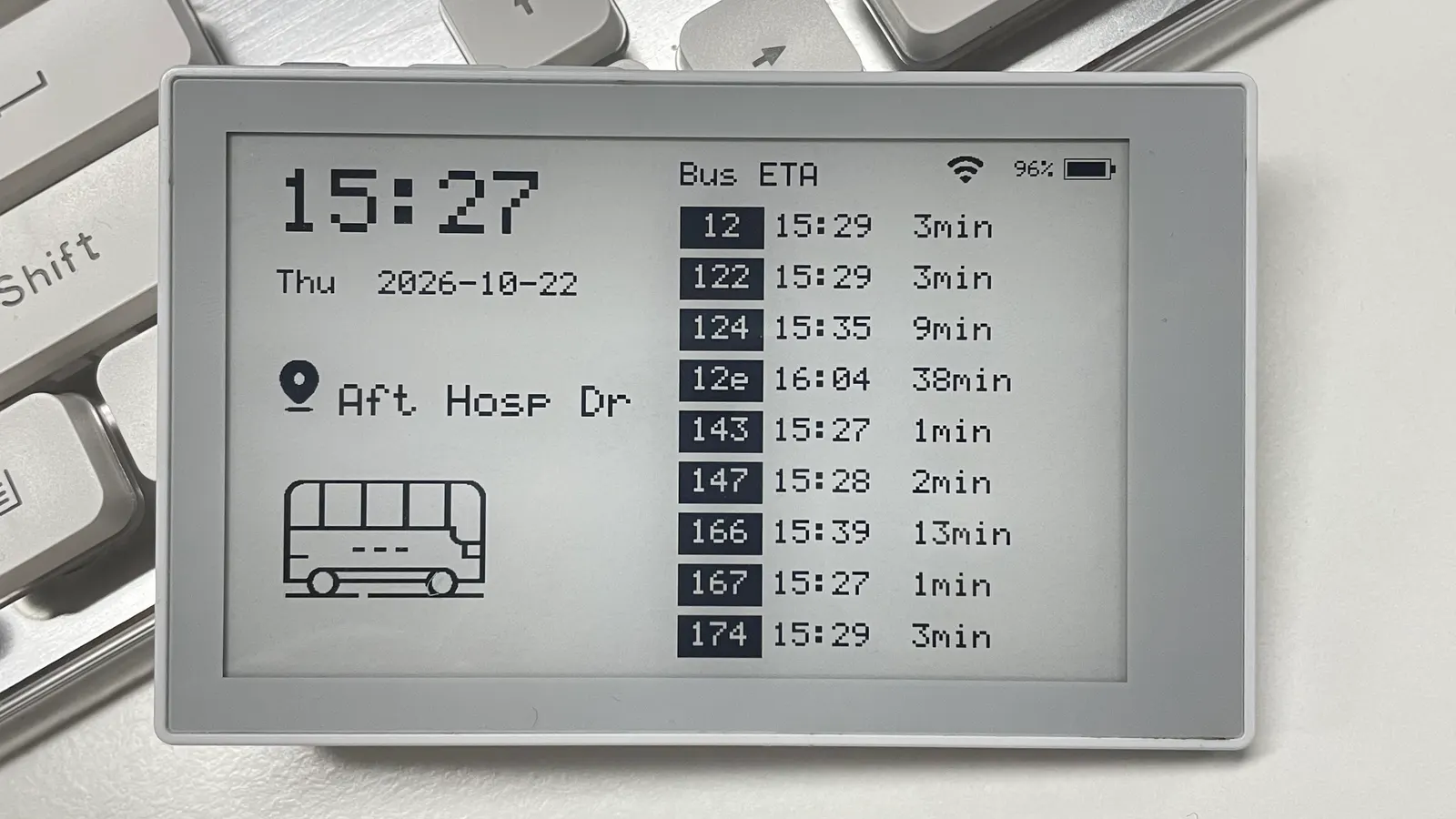
Live bus arrivals with on-device station setup and low-power sleep.
- Author 作者
- Clair2929
- Source 来源
- Bus ETA Firmware
1.0.0 Experimental
Learn More
Step 1
Version and setup
Live bus arrivals with on-device station setup and low-power sleep.
- Configure after flashing: Use the device WiFi page to connect to WiFi, then use Setup to choose the city, station and refresh interval.
- Wake from sleep: After one hour without hardware button activity, the device enters low-power sleep. Press the refresh/AI button to wake and refresh the Bus page.
Step 2
Flash to device
Both modes verify and write the complete firmware package described by the selected manifest. Full flash erase only runs in the erase mode.
Flash device 0%
Connect your reTerminal Sticky with a USB data cable first.