Back to Playground
Productivity
Sticky Fokus
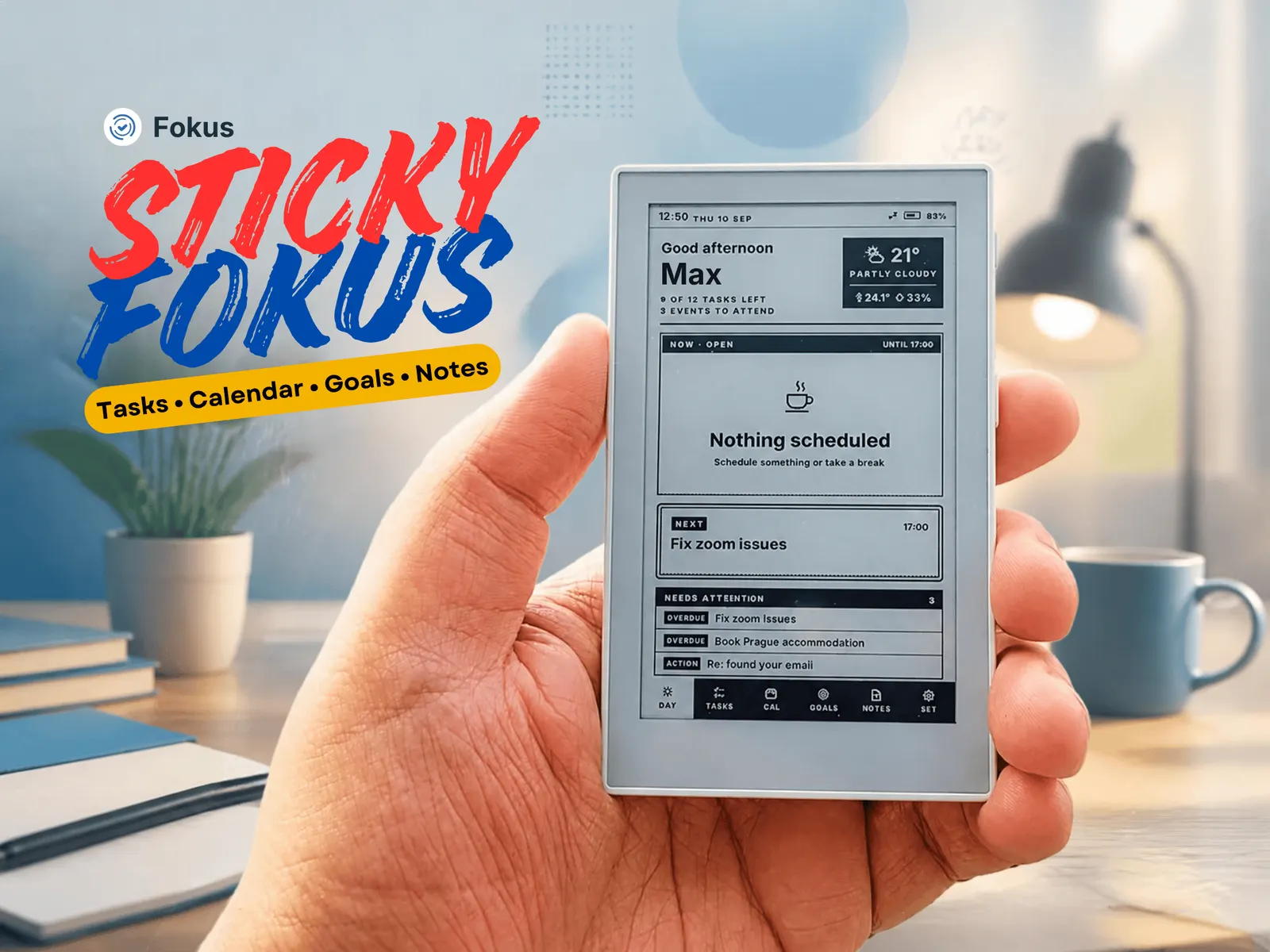
Distraction-free Fokus companion: today's plan, tasks, calendar, goals and notes, with one-press voice capture. Needs a Fokus account.
- Author 作者
- Fokus
- Source 来源
- Sticky Fokus
0.3.4 Stable
Learn More
Step 1
Version and setup
Distraction-free Fokus companion: today's plan, tasks, calendar, goals and notes, with one-press voice capture. Needs a Fokus account.
- Device connection: Connect reTerminal Sticky with a USB data cable and use desktop Chrome or Edge.
- Installation: This package is a complete merged Sticky image. Use the erase option when replacing another firmware.
Step 2
Flash to device
Both modes verify and write the complete firmware package described by the selected manifest. Full flash erase only runs in the erase mode.
Flash device 0%
Connect your reTerminal Sticky with a USB data cable first.