Back to Playground
Notes
Sticky MicroNotes
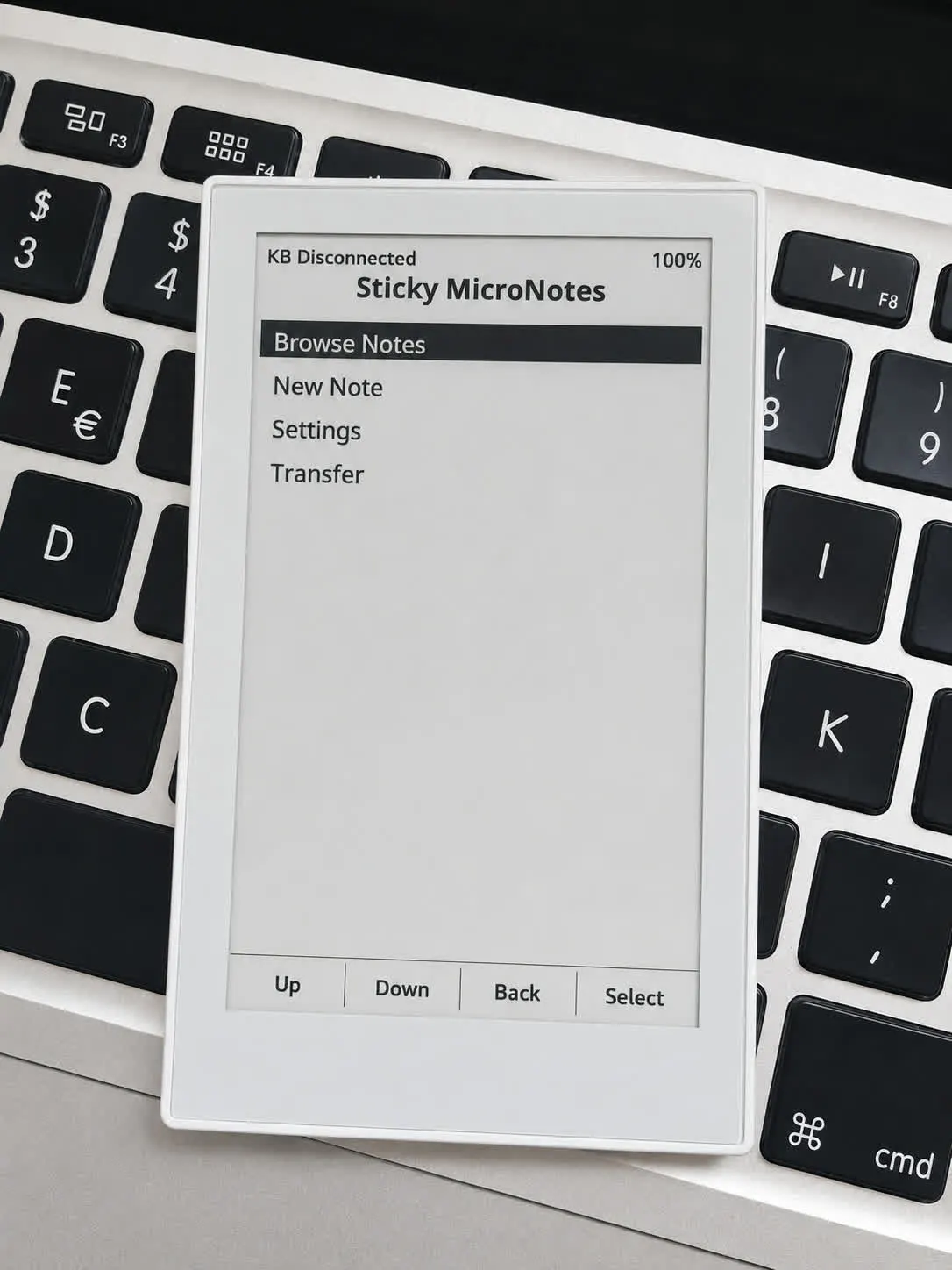
Distraction-free notes on Sticky with a BLE keyboard and Wi-Fi file transfer.
- Author 作者
- LowFlowIO
- Source 来源
- Sticky MicroNotes
1.0.0 Experimental
Learn More
Step 1
Version and setup
Distraction-free notes on Sticky with a BLE keyboard and Wi-Fi file transfer.
- Device flashing: Connect your reTerminal Sticky with a USB data cable and use desktop Chrome, Firefox or Edge +your preferred esp32 flasher
- Installation: This package writes a full Sticky image from flash offset 0 (bootloader, partition table, and app). Use DIO 40 MHz.
- After flashing: Insert a microSD card, pair a BLE keyboard, join a 2.4GHz Wi-Fi network, write some notes, manage notes at http://sticky.local (on the same network)
Step 2
Flash to device
Both modes verify and write the complete firmware package described by the selected manifest. Full flash erase only runs in the erase mode.
Flash device 0%
Connect your reTerminal Sticky with a USB data cable first.