Back to Playground
Community Firmware
Sticky Stream Deck
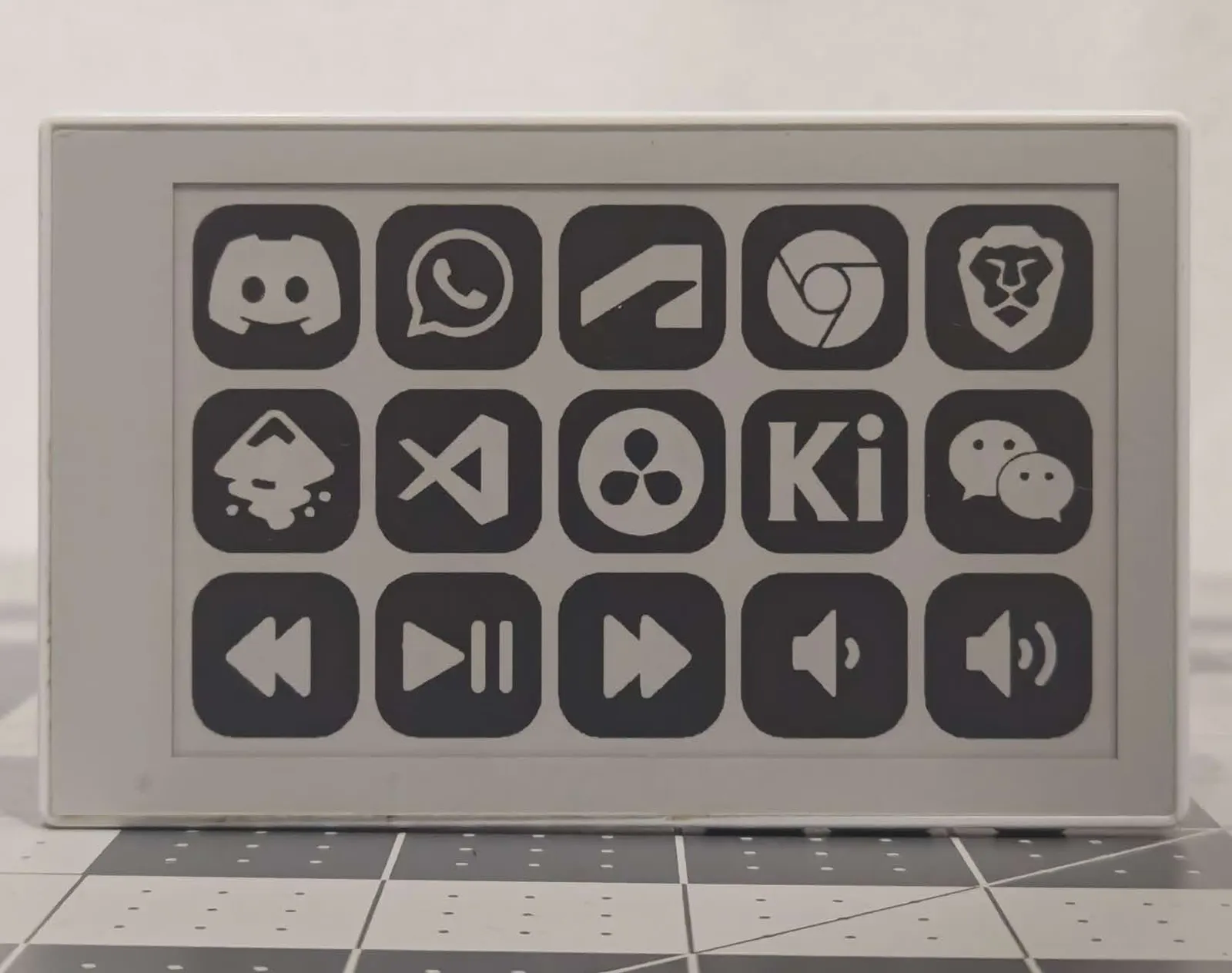
Transform your Seeed Studio reTerminal Sticky into a standalone, customizable 15-button E-Paper Stream Deck & Macro Controller fo
- Author 作者
- Gokul
- Source 来源
- Sticky Stream Deck
0.0.1 Stable
Learn More
Step 1
Version and setup
Transform your Seeed Studio reTerminal Sticky into a standalone, customizable 15-button E-Paper Stream Deck & Macro Controller fo
- Device connection: Connect reTerminal Sticky with a USB data cable and use desktop Chrome or Edge.
- Installation: This package is a complete merged Sticky image. Use the erase option when replacing another firmware.
Step 2
Flash to device
Both modes verify and write the complete firmware package described by the selected manifest. Full flash erase only runs in the erase mode.
Flash device 0%
Connect your reTerminal Sticky with a USB data cable first.