Back to Playground
Home Assistant
Voice Companion
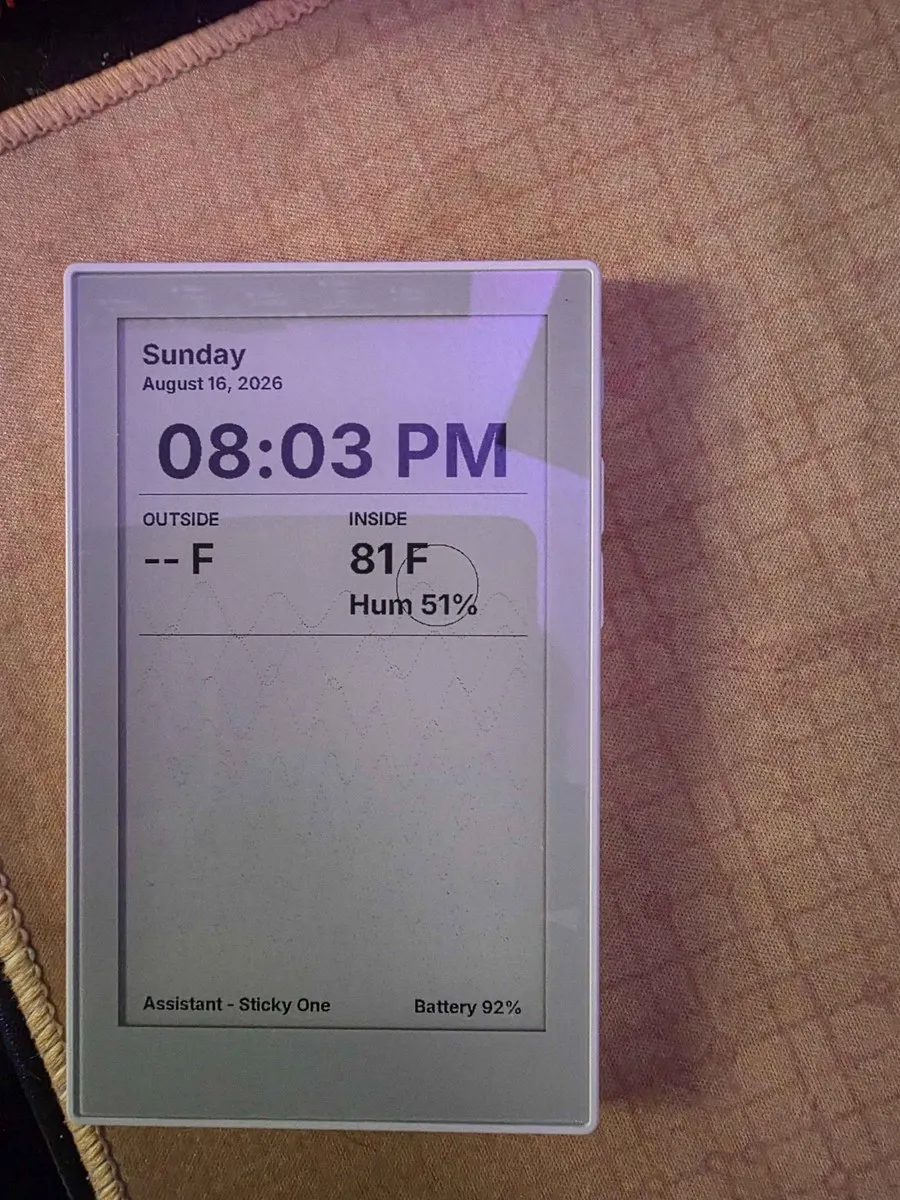
Home Assistant voice satellite with an 8-page touch e-ink UI, household note board, and weeks-long battery life.
- Author 作者
- sira-fiinikkusu
- Source 来源
- reTerminal Sticky Voice Companion
1.0.0 Experimental
Learn More
Step 1
Version and setup
Home Assistant voice satellite with an 8-page touch e-ink UI, household note board, and weeks-long battery life.
- Device connection: Connect reTerminal Sticky with a USB data cable and use desktop Chrome or Edge.
- Installation: The package writes the complete Voice Companion image from flash offset 0.
- First setup: After flashing, join the reTerminal-Sticky Wi-Fi hotspot (password ChangeMe123) to enter your network credentials, or provision over USB via Improv. Then adopt the device in Home Assistant's ESPHome integration and merge the small helper configuration from the source repository.
- Home Assistant required: Voice, lists, agenda, weather, lights, and the household board all flow through Home Assistant. An Assist pipeline provides the voice assistant; entity names are configurable by compiling your own build from source.
Step 2
Flash to device
Both modes verify and write the complete firmware package described by the selected manifest. Full flash erase only runs in the erase mode.
Flash device 0%
Connect your reTerminal Sticky with a USB data cable first.