Back to Playground
Agent
tiny
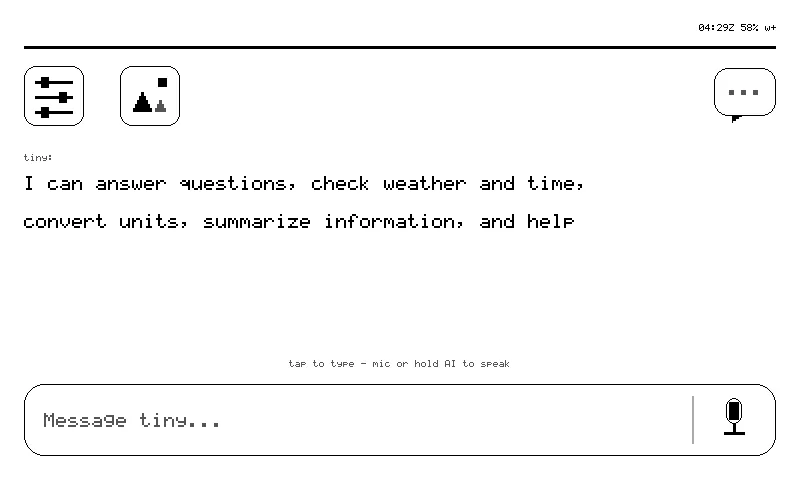
A voice + touch agent surface for reTerminal Sticky — your tiny.technology agent, on e-ink, in your pocket.
- Author 作者
- Cagatay Cali
- Source 来源
- sticky-the-reterminal
0.28.0 Experimental
Learn More
Step 1
Version and setup
A voice + touch agent surface for reTerminal Sticky — your tiny.technology agent, on e-ink, in your pocket.
- Device connection: Connect reTerminal Sticky with a USB-C data cable and use desktop Chrome or Edge. Pick the port called "USB Single Serial" (the CH343 bridge, no driver needed).
- Clean installation: Accept the erase prompt. The first install wipes the whole flash including Seeed's factory demo (dump it first if you want it back — see Recovery in the docs) and starts with an empty settings store. From then on updates arrive over the air into the other A/B slot with rollback.
- First boot: Wi-Fi and pairing on the glass: The device walks you through setup on its own screen: scan the QR with your phone to join the tiny-XXXX setup network (password tinysetup) and open http://192.168.4.1, or tap "Type it here" to pick a network from the on-glass scan list and type the password on the e-ink keyboard. Then pair it to your tiny.technology account and take the one-screen tour. No app required.
- What it needs: 2.4 GHz Wi-Fi and a tiny.technology account (free). The intelligence runs server-side; without Wi-Fi the device keeps its local pages (home, status, sensors, settings, gallery) and the last card on the glass, but cannot answer questions.
Step 2
Flash to device
Both modes verify and write the complete firmware package described by the selected manifest. Full flash erase only runs in the erase mode.
Flash device 0%
Connect your reTerminal Sticky with a USB data cable first.