Back to Playground
Ereader
Toybox
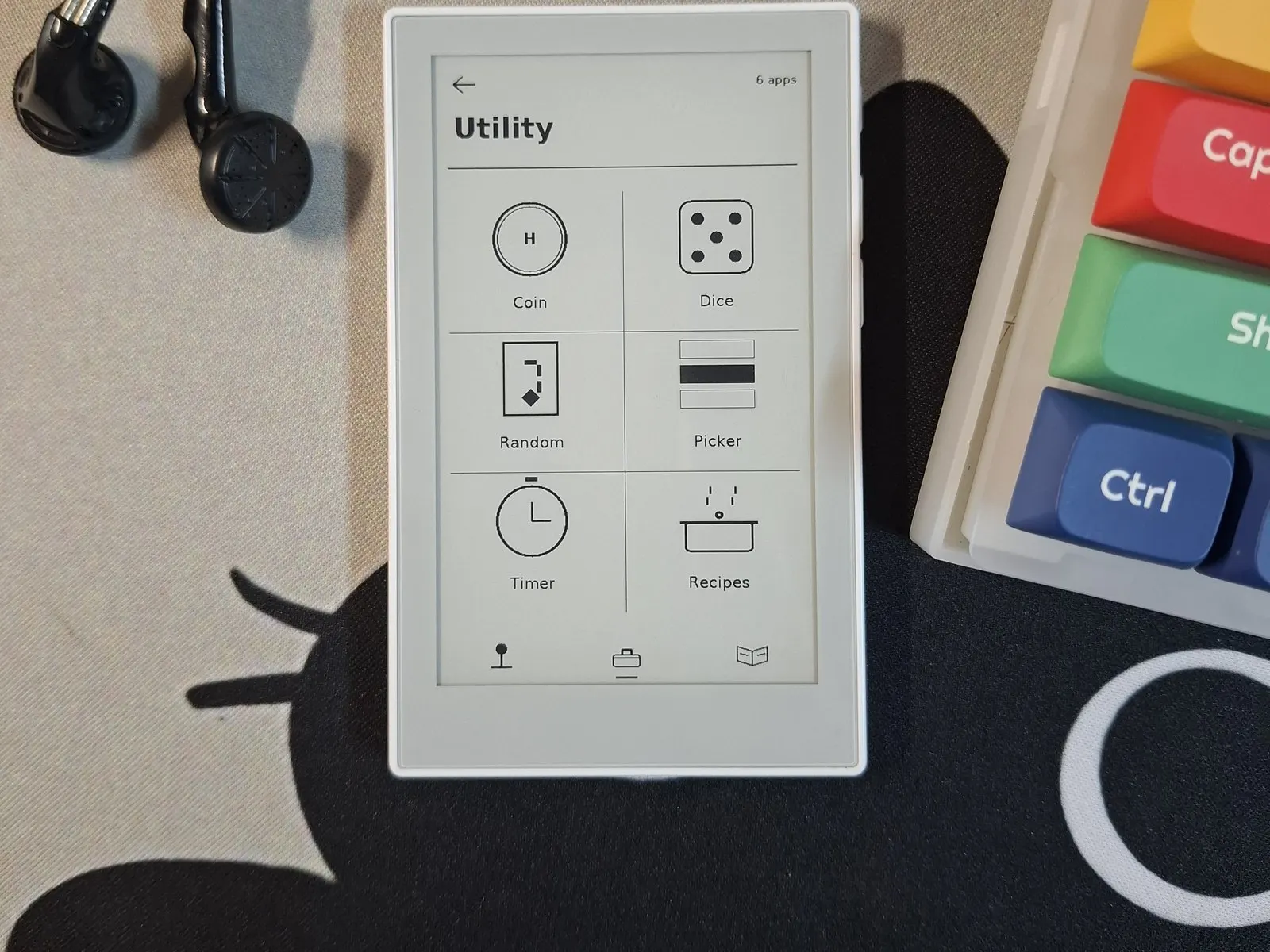
An EPUB reader, notes you pin to the e-paper, six games and everyday tools.
- Author 作者
- z4b333
- Source 来源
- sticky-toybox
1.4.4 Beta
Learn More
Step 1
Version and setup
An EPUB reader, notes you pin to the e-paper, six games and everyday tools.
- Device connection: Connect reTerminal Sticky with a USB-C data cable and use desktop Chrome or Edge. A charging cable will not do.
- Installation: The package writes the bootloader, partition table, OTA data block and application. Leave the erase-device box unchecked: unchecked, notes, settings and saved reading positions survive a reinstall.
- First boot: Hold either side button while it powers on to reach the service screen, which reports the buses and can correct the screen or touch orientation.
- Storage: On a FAT32 card: books in /books, pictures in /wallpapers, recipes in /recipes, and notes and flashcard decks in /notes and /decks.
Step 2
Flash to device
Both modes verify and write the complete firmware package described by the selected manifest. Full flash erase only runs in the erase mode.
Flash device 0%
Connect your reTerminal Sticky with a USB data cable first.