Raspberry Pi Power Supply: What You Need to Know for Stable Performance
Have you ever used a Raspberry Pi for a personal project or home automation setup? Chances are, you know how powerful these little boards can be! Still, there is one detail that quietly determines if your system will run properly or drive you crazy: the Raspberry Pi Power Supply.
Many of the problems that users attribute to software bugs or faulty accessories are often due to a simple power supply issue. A system that doesn’t receive proper voltage or current may reboot without warning, corrupt its SD card, or behave unpredictably under load.
In this guide, we’ll look at what makes a power supply reliable, why choosing the correct one matters, and how to avoid some of the most common issues, especially with power-hungry boards like the Raspberry Pi 4 and Raspberry Pi 5.
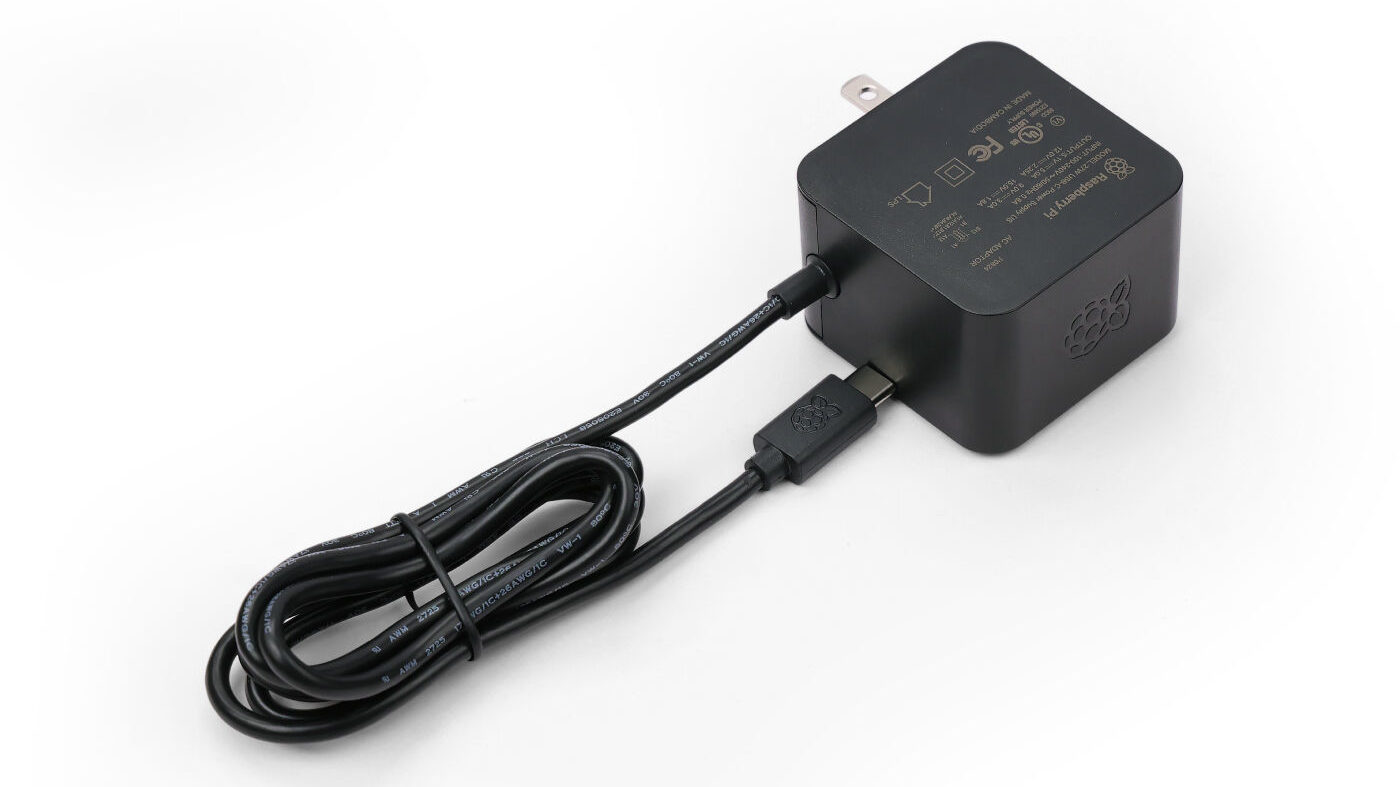
Why Your Raspberry Pi Power Supply Matters
A Raspberry Pi may seem small, but it is surprisingly demanding on its energy needs. Every model, from older boards to the newest ones, requires a steady and clean power supply to run smoothly.
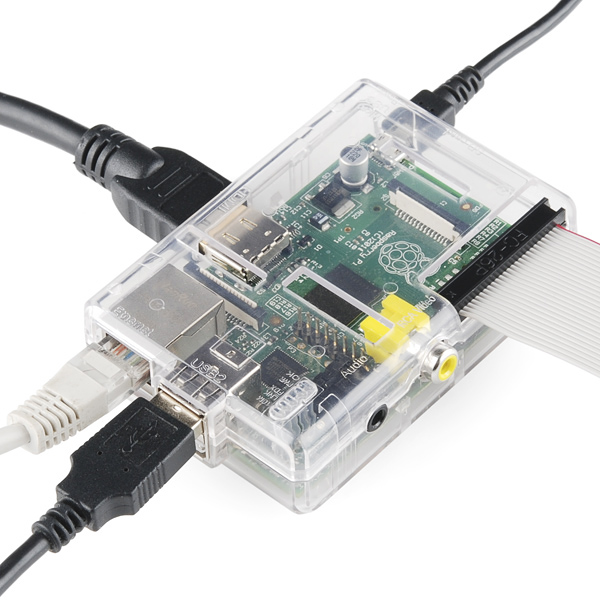
If the voltage dips even a little, the Pi tries to protect itself, which can cause slowdowns, USB devices to disconnect, or unexpected reboots. These issues can be confusing, as they often appear like software problems, but in most cases, the real culprit is simply a power adapter that can’t keep up.
Using a proper Raspberry Pi Power Supply ensures that the board runs at full speed, stays stable under load, and keeps your storage safe from corruption. It’s the simplest upgrade you can make to avoid hours of pointless troubleshooting.
Understanding technical specifications: volts, amps, and watts
Before choosing the right power supply, it is useful to understand a few basic concepts about how power supplies work. You don’t need to be an engineer: a few fundamentals are enough to see why some adapters maintain system stability, while others cause recurring problems.
All Raspberry Pi models operate at 5 volts, which is the fixed “pressure” expected by the board. What really changes from one model to another is the amount of current they need. This is the part measured in amps, and it’s simply the amount of power the board can pull when it’s working hard. A Raspberry Pi 4 or Raspberry Pi 5, for example, can consume much more current than you might think, especially when you connect USB devices, SSDs, or a camera.
Watts are simply the combination of the two (volts x amps) and they tell you whether a power supply has enough headroom to handle consumption peaks, such as startup, video playback, or powering peripherals. This is exactly why official adapters work so well. They not only provide the right voltage, they keep it stable, even when the board suddenly needs more power. It’s this stability that keeps your projects running smoothly.
Which Power Supply to Choose for Your Raspberry Pi?
Raspberry Pi 5 Power Requirements
The Raspberry Pi 5 has higher power requirements than previous generations. Of course, it might start with a 3A supply, but to really use its PCIe capabilities or multiple USB devices without any problems, you’ll need a suitable 5 V/5 A adapter.
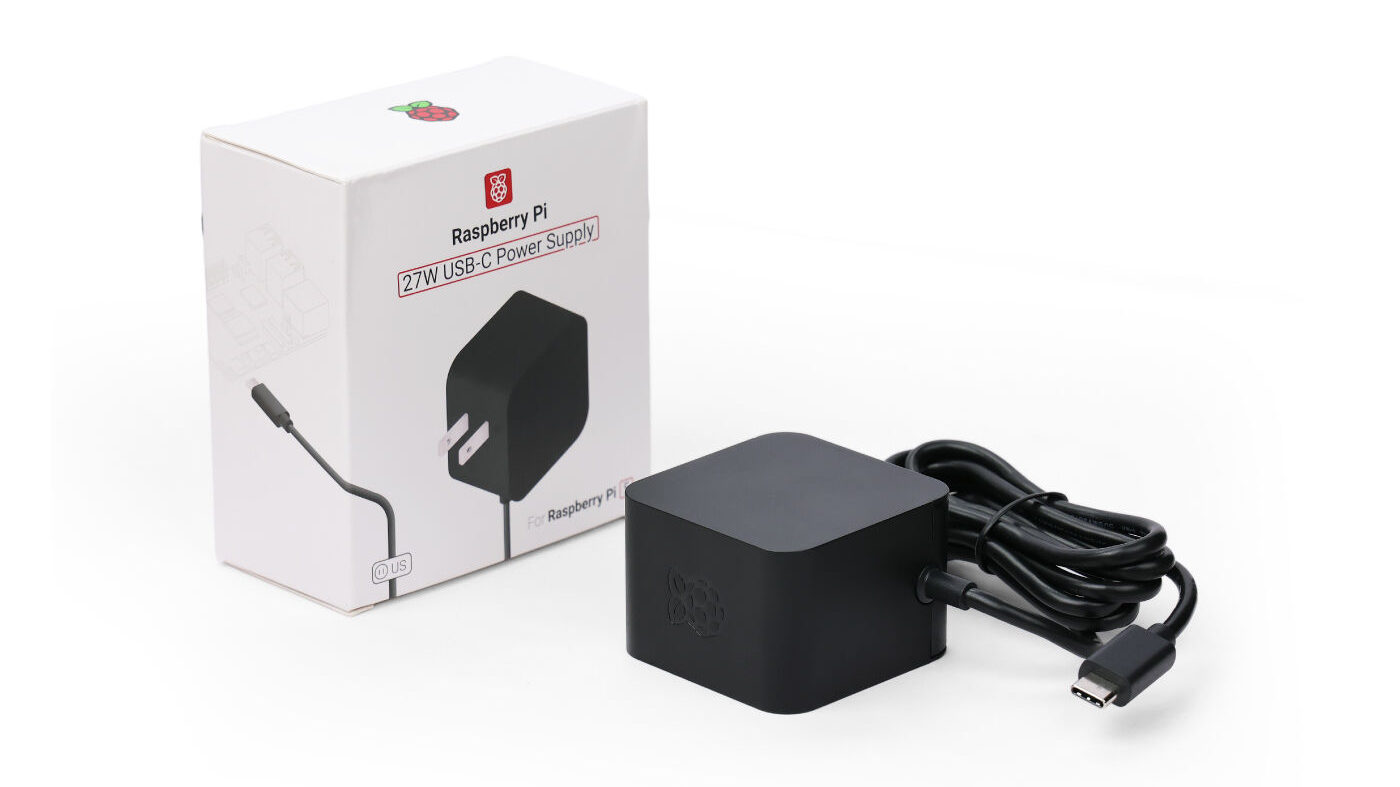
For optimal performance, we recommend the official 27W USB-C PD power supply. It delivers the required 5.1V/5A while automatically increasing USB power limits to 1.6A for better peripheral support. Its compact design makes it ideal for both stationary setups and mobile projects. With this dedicated Raspberry Pi 5 power supply, your system remains stable and responsive, even during demanding tasks.
Raspberry Pi 4 Power Needs
The Raspberry Pi 4 power supply requires a stable 5.1V/3A source. Many users encounter under-voltage issues using inadequate chargers.
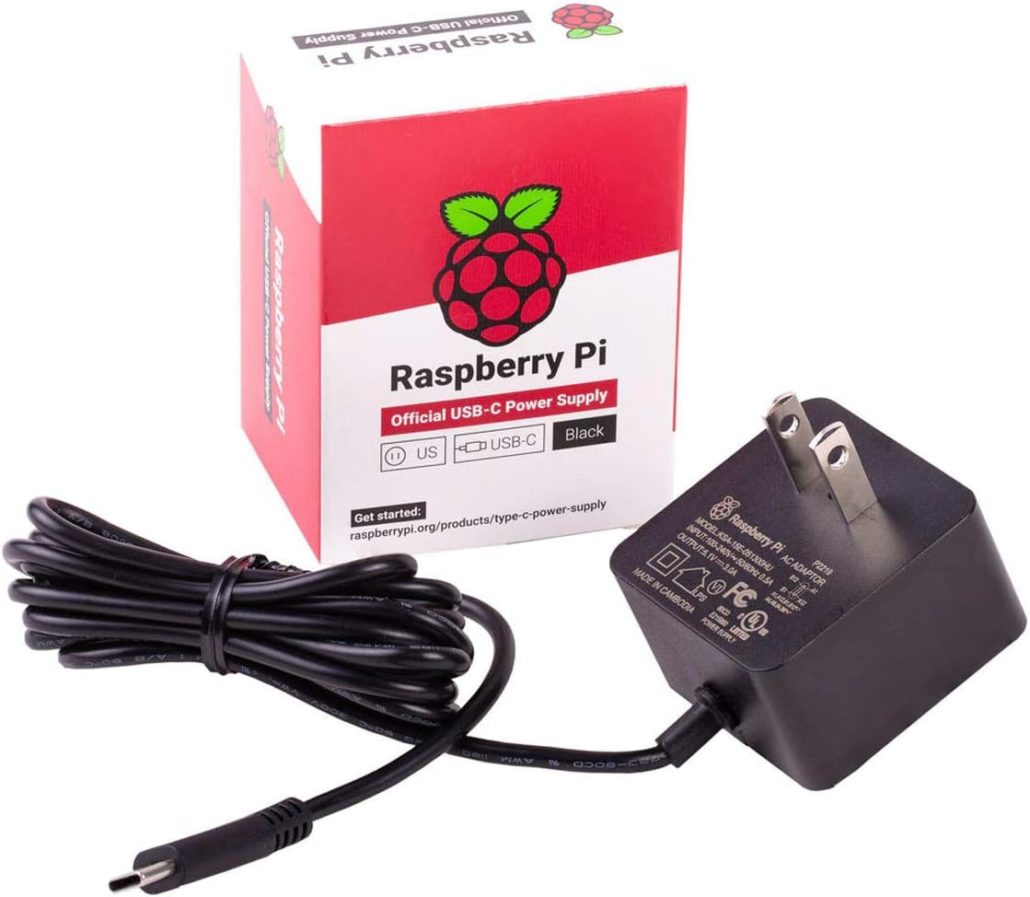
Raspberry Pi Official Power Supply 15.3W USB-C is specifically engineered for this model, delivering precise voltage and current to prevent performance issues while powering connected peripherals.
Power Solutions for Other Raspberry Pi Models
For older models like the Pi 3 and compact Pi Zero boards, the power supply requirements are less demanding but equally important. The Pi 3 performs reliably with a quality 5V/2.5A Micro-USB source, while the Pi Zero family requires only 5V/1.2A.
While these models don’t need the advanced power delivery of newer boards, selecting a stable adapter remains crucial for preventing SD card corruption and system crashes.
Comparison Table: Raspberry Pi Power Supply Guide
| Raspberry Pi Model | Recommended current | Connector Type | Recommended Solution | Notes |
| Raspberry Pi 5 | 5V, up to 5A peak (via PD) | USB-C (PD) | High-quality 27W USB-C PD supply | Best for handling peak loads, SSDs, and HATs |
| Raspberry Pi 4 | 5.1V, 3A | USB-C | Official Raspberry Pi 15.3W supply | Sensitive to voltage drops with cheap cables. |
| Raspberry Pi 3 | 5V, 2.5A | Micro-USB | Quality 2.5A Micro-USB adapter | Works with most 2.5A adapters; avoid very thin micro-USB cables. |
| Raspberry Pi Zero / Zero 2 W | 5V, 2.5A | Micro-USB | Standard 1.2A Micro-USB supply | Low power usage; affected by poor-quality cables |
Alternatives to the Official Raspberry Pi Power Supply
While official power supplies offer guaranteed compatibility, there are several reliable alternatives that can effectively power your Raspberry Pi projects when you need more flexibility or are faced with availability constraints.
USB-C PD Chargers
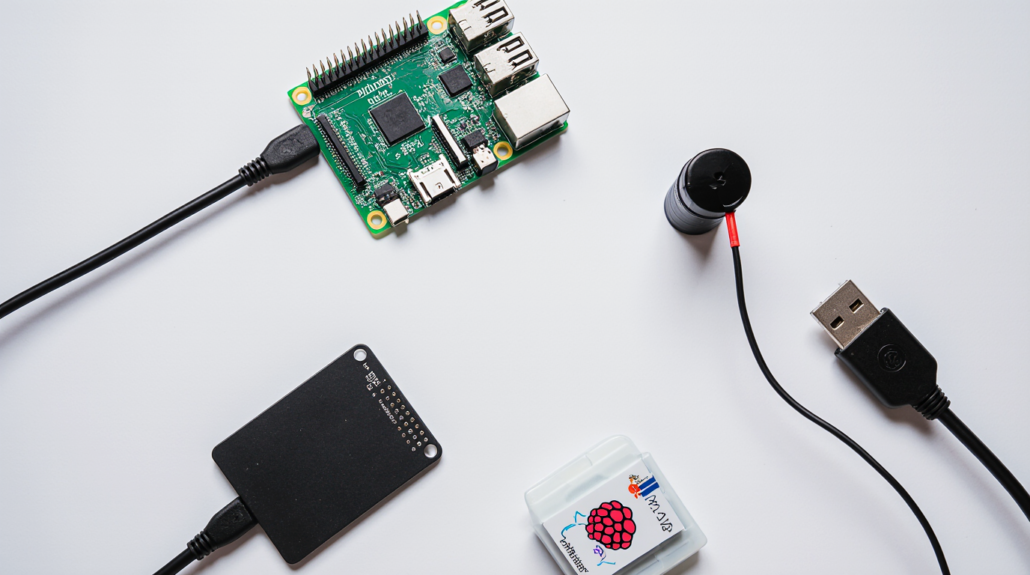
If the official adapter isn’t available, you can use a high-quality third-party charger. Just make sure it provides sufficient current – for example, a Raspberry Pi 4 power supply rated at 5V/3A. This guarantees your board and connected devices run reliably without unexpected shutdowns.
Powered USB Hubs
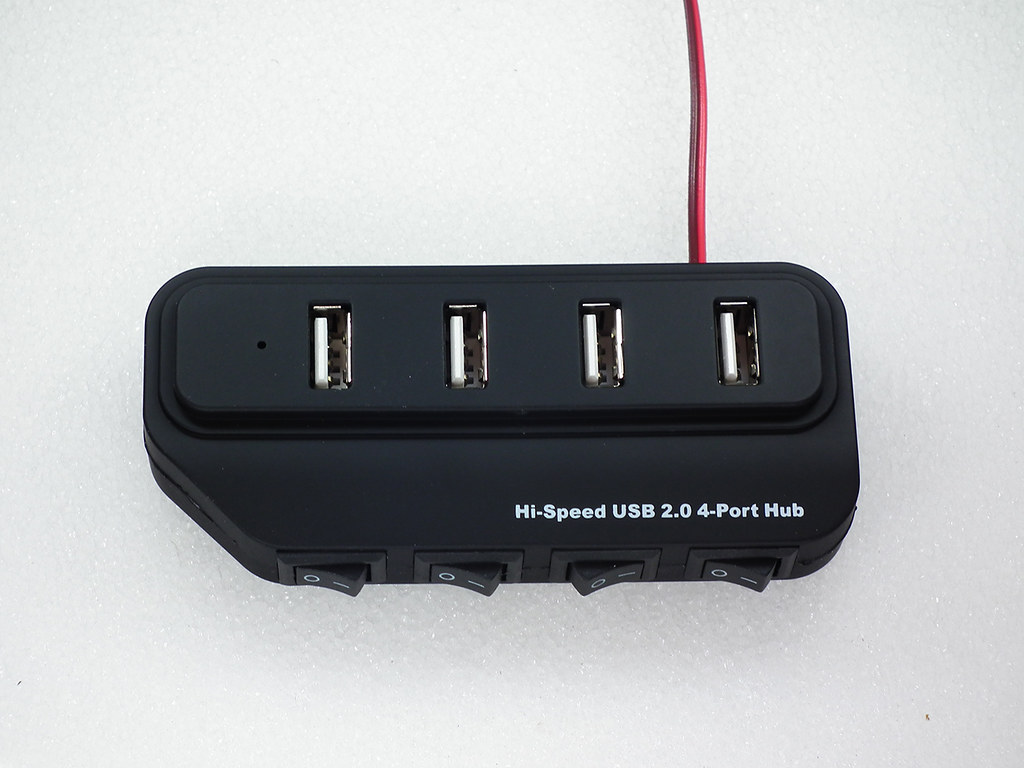
Your setup includes SSDs, cameras, or power-hungry sensors? A powered USB hub can help distribute the load. It supplies energy directly to peripherals instead of forcing the Pi to power everything through its USB ports. This reduces instability, especially on the Pi 4 and Pi 5.
DIY Power Solutions
For makers who enjoy custom builds, a DIY power solution can also be effective. Using a high-quality 5V buck converter paired with a 12V adapter or battery pack gives you precise voltage control. This is popular in robotics, solar systems, and embedded installations where reliability matters. Just ensure the converter is well-regulated, supports at least 3A, and includes protections such as over-current and thermal shutdown.
Common Raspberry Pi Power Problems & Solutions
Random Reboots
The annoying lightning bolt symbol appears when your device detects insufficient voltage. This usually happens when your Pi isn’t receiving enough power, often due to an inadequate power supply or a cable of poor quality.
So how do we fix it? The rule is always to use a certified raspberry Pi Power Supply, with enough amperage and a short, thick USB cable.
USB Devices Disconnecting / Not Powering

Keyboards, mice, or external hard drives may randomly disconnect or even fail to turn on. This is usually due to insufficient power for all connected devices.
What should you do then? Switch to a Raspberry Pi 4 or Raspberry Pi 5 power supply with a higher output current (3 A minimum). Use a powered USB hub for demanding accessories such as external hard drives.
SD card corruption
A sudden power outage during write operations can damage your SD card. Unlike a full computer, the device does not have built-in power management to safely complete write operations in the event of an unexpected power drop. An unstable power supply to the Raspberry Pi greatly increases this risk.
How can you solve this problem? Prevention is key. Always use a high-quality AC adapter with stable voltage regulation. You can also consider UPS HAT or eMMC storage.
In short
A stable power supply for Raspberry Pi may seem insignificant, but it is what ensures that your entire setup runs smoothly. With the right adapter, your module avoids random crashes, SD card issues, and all the little glitches that undermine the reliability of your projects.
You might be using a Pi 5, a Pi 4, or an older model; in every case, clean and consistent power is the simplest way to make sure everything works as it should. A good adapter removes the guesswork and lets you focus on building, not troubleshooting.
>> More Blogs
About Author
