Zigbee vs Bluetooth: Choosing the Right Protocol for Home Assistant
Do you use Home Assistant? You’ve probably asked yourself this question: should I choose Zigbee or Bluetooth? If so, you’re not alone.
The debate around zigbee vs bluetooth comes up constantly, especially when you start adding more sensors, switches, or plugs. At first, both protocols look similar. They promise low power usage, local control, and reliable communication. But once you start using them, the differences become clear. One is built to grow with your smart home. The other is better for small, focused tasks. Your choice will affect battery life, network stability, and how much time you spend fixing issues later.
This guide helps you understand how Zigbee and Bluetooth Low Energy actually behave in real Home Assistant setups, so you can choose the protocol that best fits your devices, home layout, and automation goals.
Comparison Table: Zigbee vs Bluetooth Low Energy (BLE)
When you build a Home Assistant setup, every wireless choice has long-term consequences. A clear comparison helps you understand zigbee vs bluetooth low energy beyond theory. It shows how each protocol behaves when your system grows, devices move, or your home layout changes.
| Feature | Zigbee | Bluetooth Low Energy (BLE) |
| Frequency Band | 2.4 GHz (global), plus 868 MHz (EU) & 915 MHz (US) variants | 2.4 GHz worldwide |
| Network Topology & Scalability | True Mesh Network. Devices talk to each other, relaying signals to extend range. | Point-to-Point (Star). No true mesh in most Home Assistant setups. Each device connects directly to a central hub or adapter |
| Power Consumption | Very low, designed for sensors to run for years on a single battery | Extremely low for short and infrequent communication. But can be higher during active connections. Good for devices that sleep deeply. |
| Security | AES-128 Encryption with a structured network key model | AES-128 Encryption, but security depends heavily on the device maker’s implementation |
| Budget | Cost-effective when you have many devices. One coordinator supports | Cheap for small setups, but costs increase when coverage needs grow |
| Scenario | Ideal for homes, offices, and setups with 20+ devices. | Best for apartments, single rooms, or integrating specific gadgets like locks or tags. |
| Location | Must buy devices matching your region’s frequency (e.g., EU vs. US models) | Universally compatible, with fewer regional constraints |
Zigbee: The Standard for Smart Home Infrastructure
Zigbee is a low-power wireless protocol designed for control and sensor networks. Built on the IEEE 802.15.4 standard, it focuses on reliable communication rather than high data speeds. In real homes, this approach allows devices to form a self-healing mesh, where messages hop from one node to another to stay connected.
That architecture explains why it remains a common choice in Home Assistant setups today, even as the smart home ecosystem expands with technologies like Thread and Matter, which explore similar ideas from a different angle.
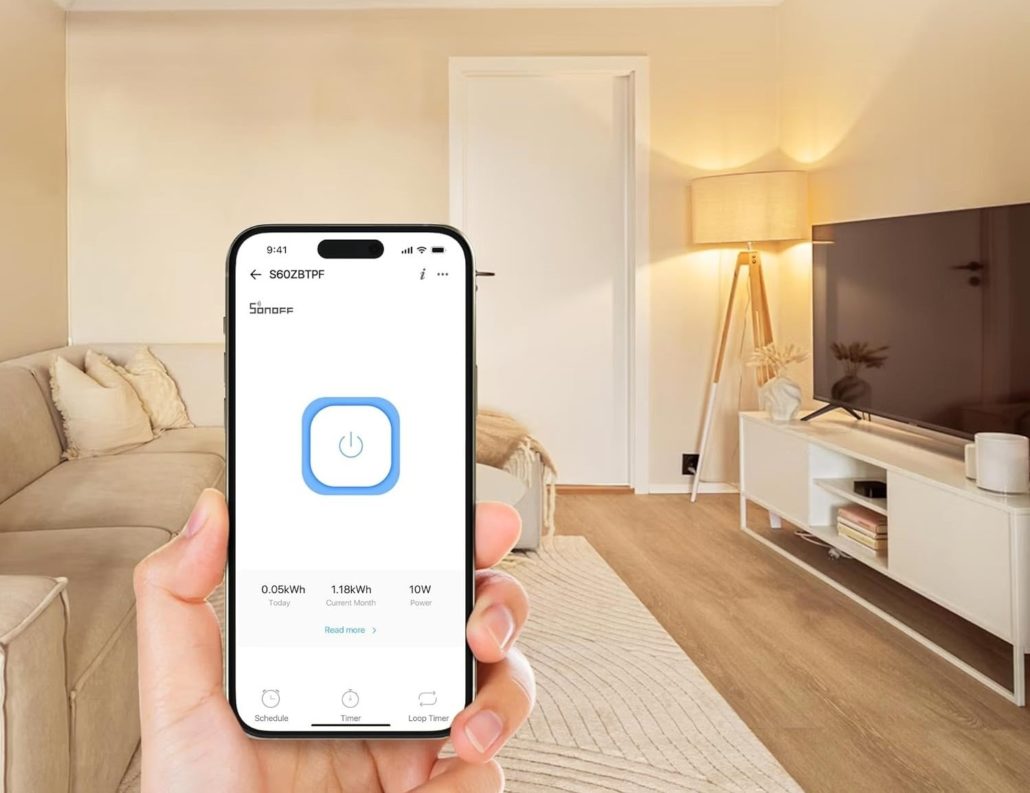
Zigbee Advantages
● Self-Healing Mesh: Unlike Wi-Fi, where every device talks to the router, Zigbee devices can talk to each other. If one bulb fails, the signal simply finds a new path through another device
● Long battery life: Zigbee sensors are designed to sleep most of the time. You change batteries less often, which matters when you have many devices. This efficiency allows door sensors and thermometers to operate for years on a single coin-cell battery, reducing maintenance.
● Local and reliable control: Your automations keep working even if your router or cloud services fail.
● Wide choice of devices: You can mix brands and still keep everything inside Home Assistant.
Zigbee Limitations to Keep in Mind
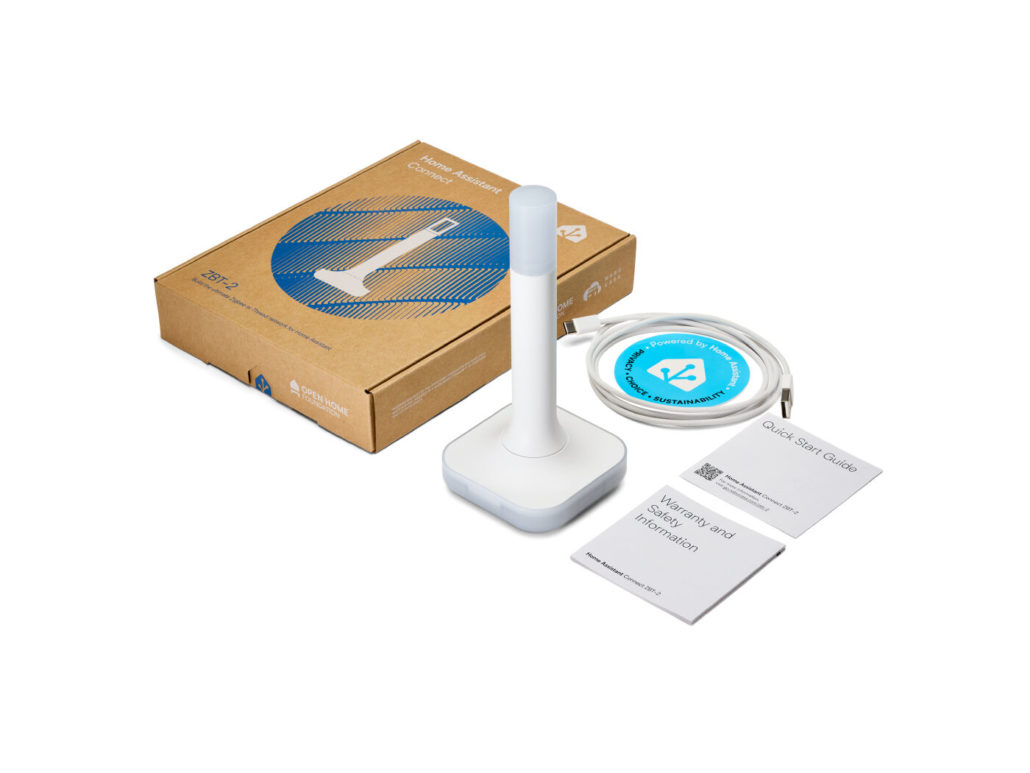
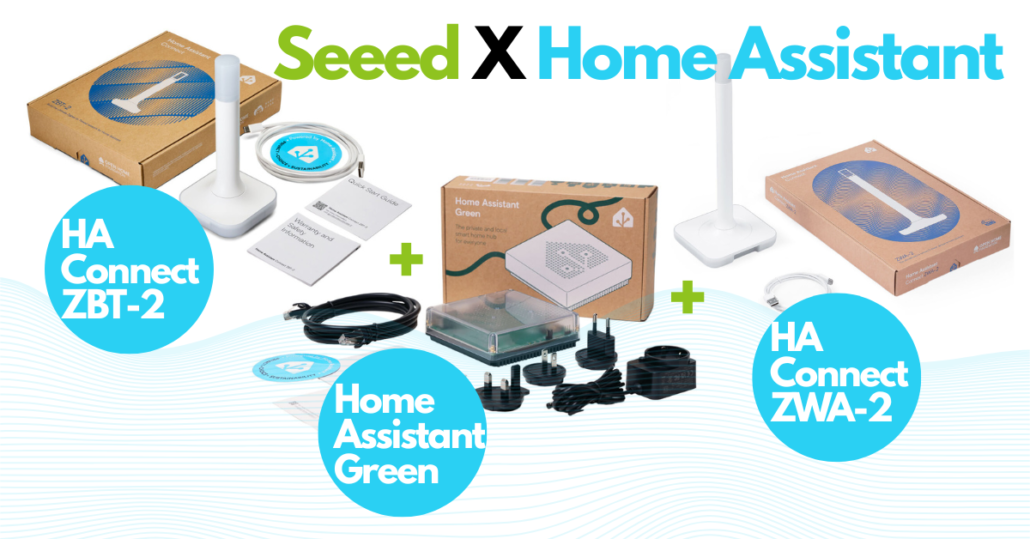
Zigbee is very stable, but it isn’t flawless. You need a coordinator, usually a USB dongle, to get started. For example, the official Home Assistant Connect ZBT-2 adapter is a popular choice. That adds a small upfront step. The mesh also depends on powered devices. If you only use battery sensors, coverage can suffer.
Most Zigbee devices share the 2.4 GHz band with Wi-Fi, so poor channel planning may cause interference. Finally, not all brands behave the same. Mixing devices works well most of the time, but firmware quality still matters. Choosing reliable manufacturers helps avoid frustration.
Use Cases in Home Assistant
● Whole-Home Sensor Networks: Reliably connecting dozens of motion, temperature, leak, and contact sensors across every room. The mesh ensures every sensor has a strong connection back to Home Assistant.
● Complex Lighting Automations: Perfect for creating instant, room-wide lighting scenes or motion-activated pathways where millisecond latency matters.
● Mission-Critical Monitoring: Deploying smoke alarms, water leak detectors, and security sensors that you can count on 24/7, thanks to the network’s resilience.
Bluetooth Low Energy (BLE): The King of Specialized Peripherals
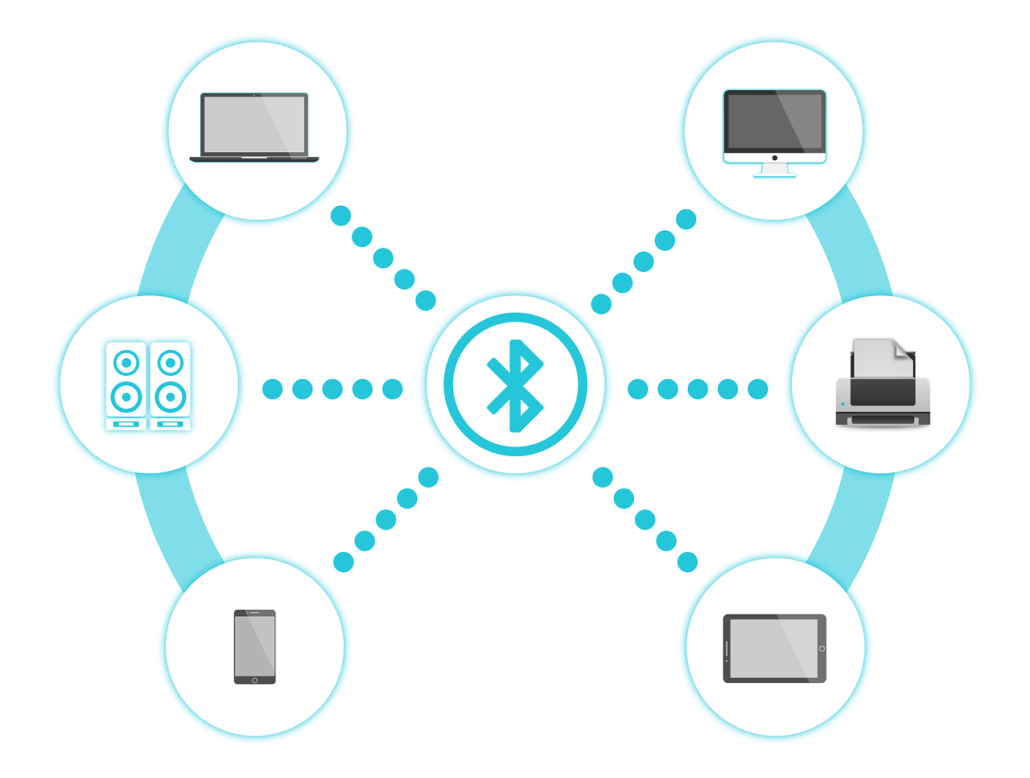
Bluetooth Low Energy (BLE) is perfect for specialized smart home tasks that need low power and short-range communication. It connects devices quickly and efficiently without requiring a full network. In Home Assistant, BLE is great for presence tracking, quick interactions, and focused automations.
Bluetooth Low Energy Advantages
● Zero-Cost Entry: Your Home Assistant server likely already has Bluetooth built-in. You can often start connecting devices immediately without buying any extra hardware, keeping your initial budget low.
● Massive Device Ecosystem: From smart locks to fitness bands, BLE is everywhere. This gives you access to a huge variety of unique and often very affordable gadgets to integrate into your automations.
● Direct Smartphone Integration: Many BLE devices have companion phone apps for easy initial setup. Your phone can also act as a powerful sensor for presence detection, triggering automations when you arrive or leave.
● Fast interactions: BLE responds quickly, which is useful for presence detection or small triggers in your automations.
Limitations to Keep in Mind
Bluetooth Low Energy feels simple at first, but it has clear limits. Range is short, especially through walls. Large homes often need multiple Bluetooth adapters or proxies.
BLE does not form a true mesh in most Home Assistant setups. Each device talks directly to the hub, which can lead to dropouts as you add more devices. Battery life also varies widely between brands. Some devices reconnect often and drain faster than expected. BLE works best when you keep it focused and local.
Use Cases in Home Assistant
● Personal Presence & Proximity: Use BLE beacons or your phone’s Bluetooth signal for reliable room-level presence detection, perfect for automating lights and climate as you move through your home.
● Integrating Specialized Gadgets: Connect health monitors, smart scales, toothbrushes, or appliance sensors that only “speak” BLE. It bridges the gap between niche tech and your central dashboard.
● Small-Scale, Budget-Friendly Setups: For a studio apartment or a single room project, BLE’s simplicity is a major win. It’s ideal for connecting a handful of devices close to your server without complexity.
Which Protocol Should You Choose?
There is no single “best” protocol. The right choice depends entirely on your home’s layout, your budget, and your automation goals. Based on countless discussions in the Home Assistant community, your decision should be guided by practical, real-world needs, not just technical specs.

Source: GeeksforGeeks
When Zigbee is the best option
Zigbee is the ideal choice for building a robust, large-scale smart home. Its mesh networking excels in multi-room or multi-floor setups, especially with more than twenty sensors and switches. As one Reddit user explains, “Zigbee is probably the most popular for serious people, since it’s a local-only mesh, and has the best variety of devices.” This popularity translates to proven reliability in expansive deployments.
The initial step of setting up a USB dongle coordinator pays off significantly. The network’s ability to use powered devices as repeaters means coverage strengthens as you expand, creating a true “set it and forget it” foundation with long battery life and rock-solid stability.
Example of a real Zigbee hub setup using the SMLIGHT SLZB-06 with Home Assistant for a scalable smart home deployment.
When Bluetooth Low Energy works best
Bluetooth Low Energy (BLE) is ideal for small-scale or specialized tasks. It excels in applications like room presence detection or targeted lighting automations for a single room or apartment. Its low power consumption makes it highly efficient for battery-operated devices. “BLE is probably the most energy efficient for battery device,” as one Reddit user states, while another praises it for “good for quick wins” when you want simple, effective results without a complex mesh network.
It connects directly to Home Assistant or a nearby hub, offering a fast setup and working seamlessly alongside Wi-Fi and other protocols. BLE is the practical choice when you need reliable, localized control for a limited number of devices without building an extensive smart home system.
Strategic Hybrid Approach: Why Not Both?
Many Home Assistant users combine Zigbee and BLE to get the best of both worlds. Zigbee forms the backbone of the network with sensors, switches, and plugs. BLE covers specialized functions like presence detection or quick setup. This hybrid approach keeps your network flexible and reliable while letting each protocol focus on what it does best.
Reddit users report that mixing both protocols reduces connectivity problems and avoids pushing one system beyond its strengths. You can expand your smart home gradually, using Zigbee for scale and BLE for targeted, low-power tasks.
Summary
In the Zigbee vs Bluetooth debate for Home Assistant, Zigbee stands out as the dedicated infrastructure champion. It excels in creating expansive, self-healing networks for critical sensors and automations. Bluetooth Low Energy shines as the versatile specialist, perfect for personal devices, proximity-based triggers, and starter projects. Your smart home isn’t limited to one answer.
By understanding the core strengths of each in the Zigbee vs bluetooth low energy comparison, you can make an informed choice. For many, the ultimate solution is a hybrid system that combines the reliability of Zigbee with the convenience of BLE for a truly comprehensive and powerful smart home.
FAQ
Q: What are the disadvantages of Zigbee?
A: Zigbee is very reliable, but it isn’t perfect. It mainly works on the 2.4 GHz band, so Wi-Fi or other devices can sometimes cause interference. Some devices need a powered device nearby to extend the mesh. Not all brands work seamlessly together, so choosing the right coordinator matters. For very small setups, Zigbee might feel like overkill.
Q: What are Zigbee and Bluetooth?
A: They are both low-power wireless protocols for smart devices. Zigbee excels at creating large, stable networks for many devices simultaneously. BLE is designed for efficient, short-range connections, ideal for personal gadgets or small-scale tasks. Both integrate with Home Assistant, but they serve different strengths in your smart home.
Q: Is Zigbee better than Bluetooth or Wi-Fi?
A: Zigbee usually wins for bigger setups. Its mesh network keeps dozens of devices connected without dropping signals. BLE works well for small areas or specific tasks, but it struggles when you have many devices. Compared to Wi-Fi, Zigbee uses far less power and keeps automations running even if your internet goes out. For reliable, low-power smart home control, Zigbee is often the safer choice.
Q: How does zigbee vs bluetooth power consumption compare in real homes?
A: In everyday Home Assistant setups, Zigbee is usually more efficient when many devices are involved. Its sensors stay asleep most of the time and share messages through the mesh. Bluetooth Low Energy uses very little power too, but battery life depends more on how often devices reconnect and communicate.
Learn more about Home Assistant:
About Author
