🚀Meet the Upgraded Seeed Fusion PCB Ordering Page
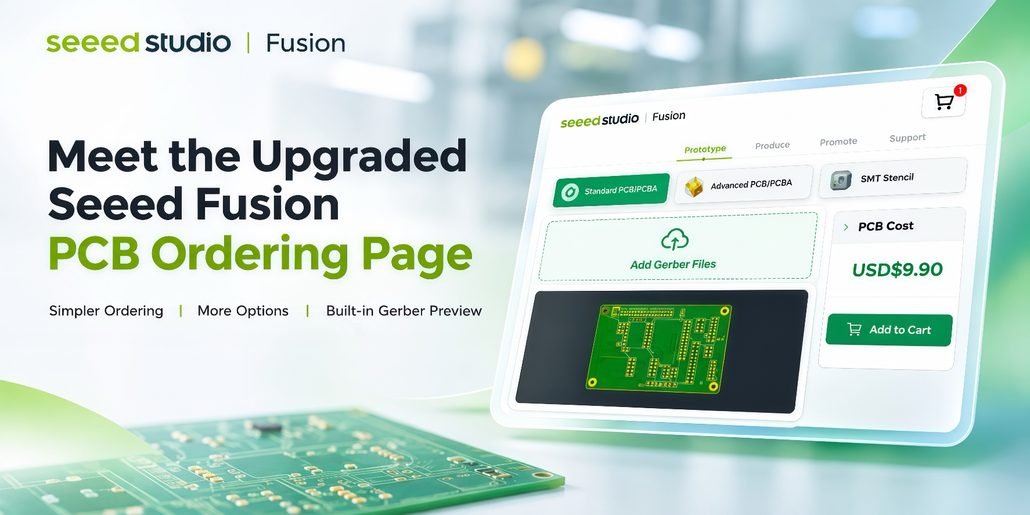
We’ve upgraded the Seeed Fusion PCB ordering page to make ordering your PCBs easier and more straightforward!
With a simpler ordering structure, more detailed manufacturing options, and built-in Gerber preview, you can now configure and review your PCB orders more easily, all in one place.
🌟Here’s what’s new.
1️⃣ Simpler PCB Ordering, Clearer Choices
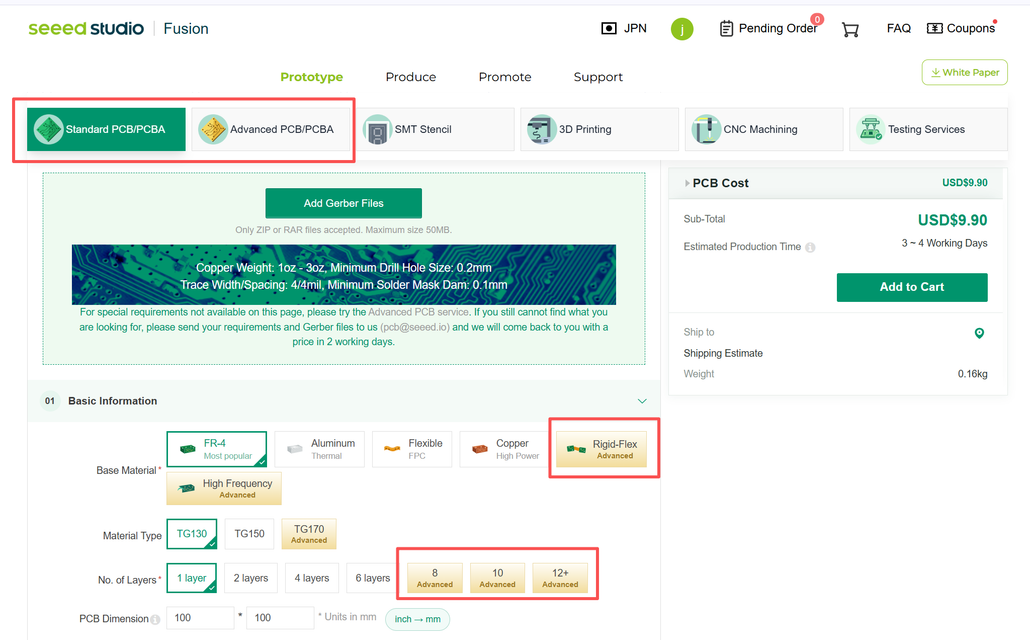
We’ve simplified PCB ordering into two categories: Standard PCB and Advanced PCB, based on your selected board material and layer count.
All PCB manufacturing options are now presented on a single page, making it easier to compare available options and configure your order.
2️⃣ More Detailed PCB Manufacturing Options
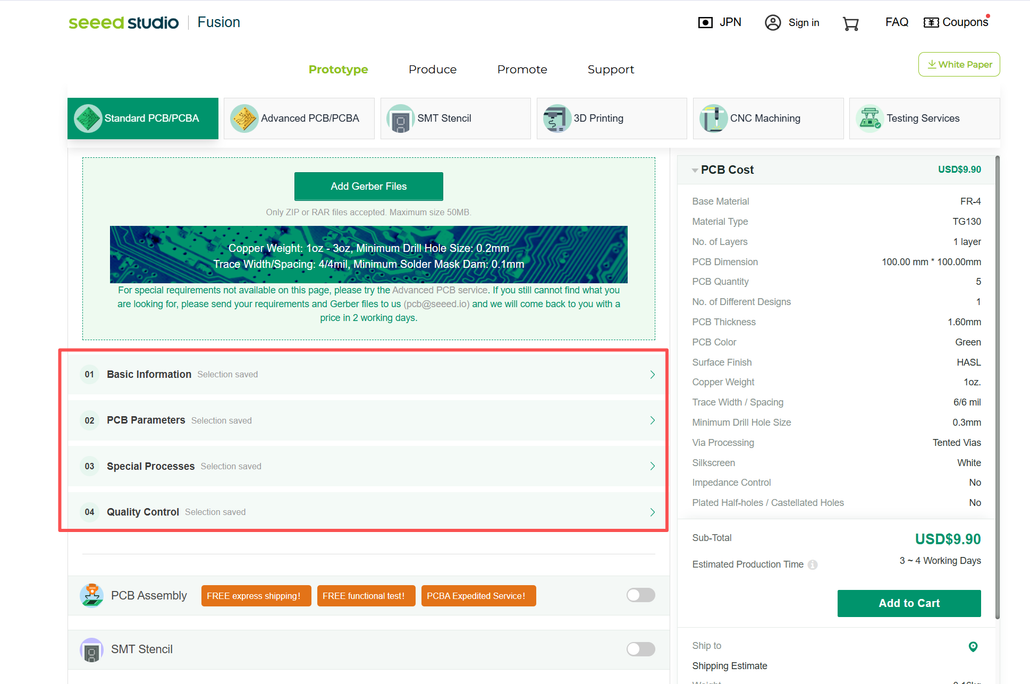
We’ve reorganized the ordering page into four sections: Basic Information, PCB Parameters, Special Processes, and Quality Control, making it easier to navigate and configure your PCB specifications.
We’ve also expanded the available manufacturing options to support a wider range of design requirements.
Quick Tip: The pricing summary stays visible as you scroll, so you can easily track price changes while adjusting your PCB specifications.
3️⃣ Preview Your PCB Directly on the Ordering Page
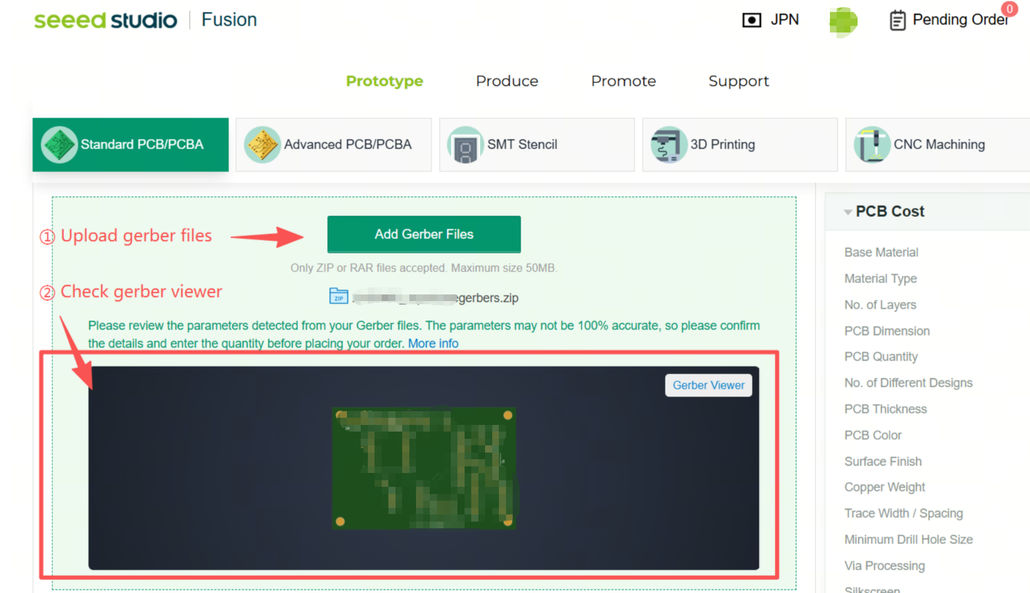
We’ve added a built-in Gerber preview to the PCB ordering page.
After uploading your Gerber files, you can preview your PCB design without switching to a separate viewer, making it easier to review your design alongside your manufacturing options.
Ready to Explore the New PCB Ordering Experience?
With simpler ordering choices, more detailed manufacturing options, and Gerber preview in one place, the upgraded Seeed Fusion PCB ordering page makes it easier to move from design to manufacturing.
Have feedback or suggestions? We’d love to hear from you at [email protected].
Happy making!
About Author
