Grove – OLED Display 1.12 (SH1107) V3.0: A Compact Display for Your Projects
When building an Arduino, IoT, or embedded project, a small display can make it much easier to view sensor data, system status, or other information.
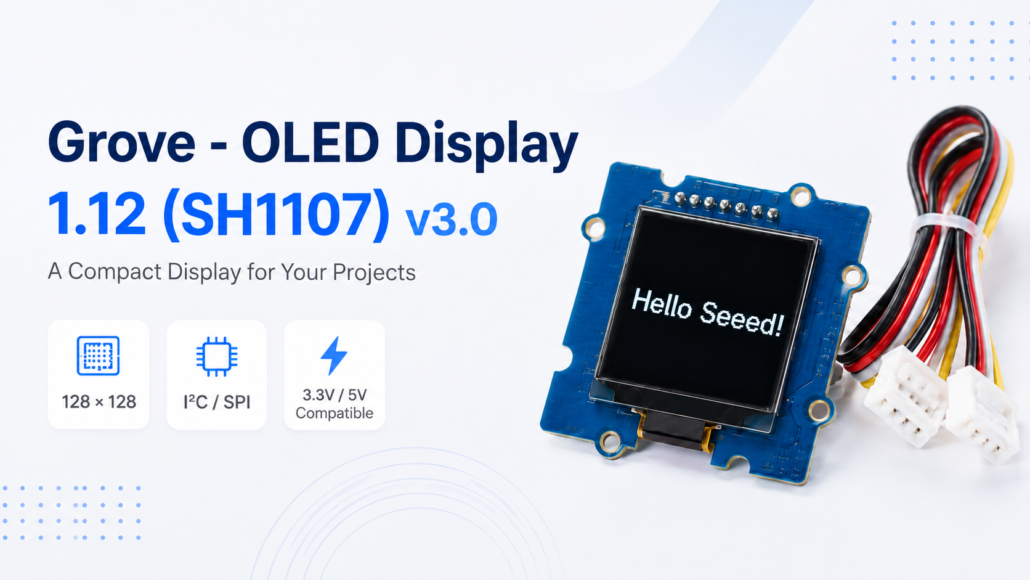
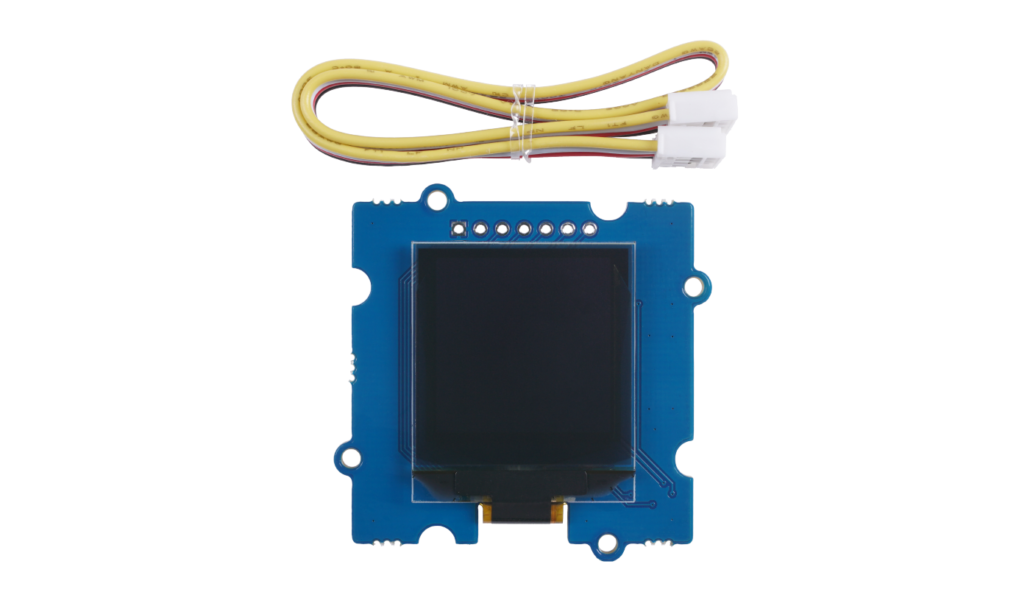
The Grove – OLED Display 1.12 (SH1107) V3.0 is a compact monochrome OLED display designed for makers and developers who want to add a simple visual interface to their projects. With its Grove interface, compact design, and support for both I2C and SPI, it offers a convenient way to add a display without making your project unnecessarily complicated.
Whether you are working on a sensor monitor, a portable device, or an IoT project, this small OLED display can be a useful addition.
What Is the Grove – OLED Display 1.12?
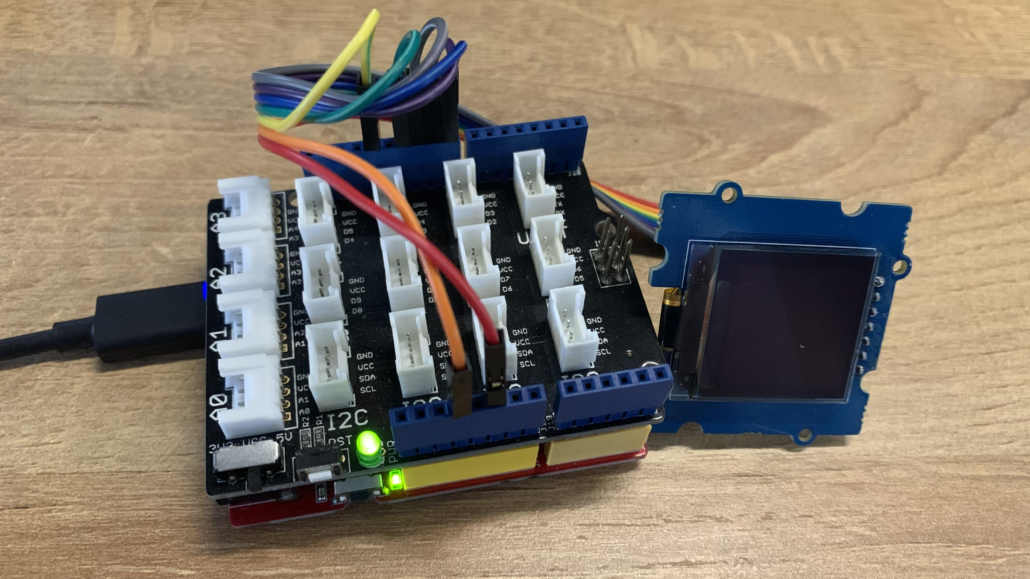
The Grove – OLED Display 1.12 (SH1107) V3.0 is a 1.12-inch monochrome OLED display with a 128 × 128 pixel resolution. It uses the SH1107 controller and supports both I2C and SPI communication. It can operate with either 3.3V or 5V power, making it compatible with a wide range of development boards.
Compared with traditional LCD displays, OLED technology provides advantages such as self-emission, high contrast, a slim design, and a wide viewing angle. The display also features low power consumption, making it suitable for compact and portable projects.
Key Features
Here are some of the key features that make this display a practical choice for different projects:
1. 128 × 128 Resolution
The 128 × 128 pixel resolution provides enough space to display text, numbers, icons, and simple graphics while keeping the module compact.
2. I2C and SPI Support
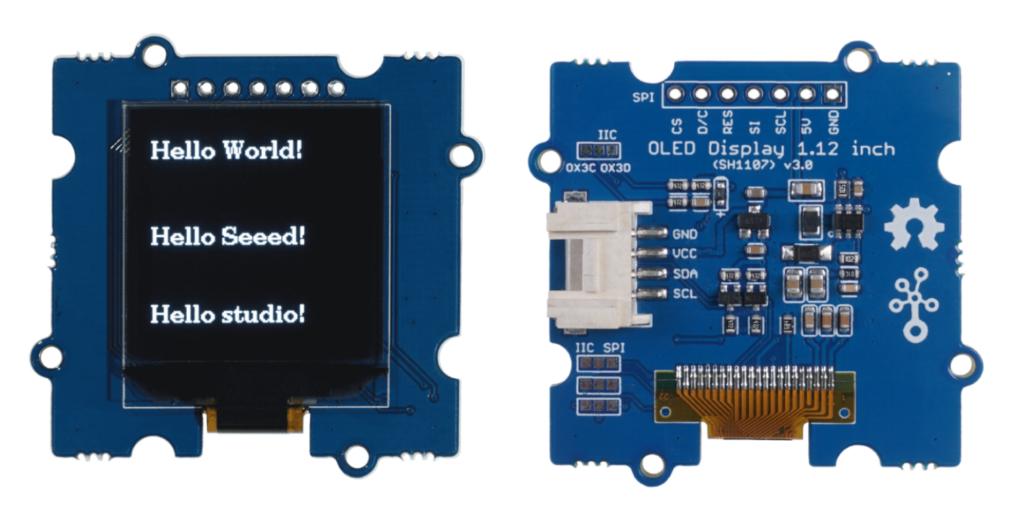
The V3.0 version supports both I2C and SPI, giving developers more flexibility when connecting the display to different microcontrollers and development boards.
3. 3.3V / 5V Compatible
The display works with both 3.3V and 5V power supplies, making it easier to integrate into different hardware platforms.
4. Grove Interface
The Grove interface helps simplify hardware connections. Instead of working with multiple individual wires, users can connect the display to a compatible Grove port using a Grove cable.
5. Wide Operating Temperature Range
The display is designed to operate from -40°C to +85°C, making it suitable for a variety of applications and environments.
These features make the display suitable for projects where space is limited but visual information is still needed.
Why Choose This OLED Display?
One of the biggest advantages of the Grove – OLED Display 1.12 is its balance between size, functionality, and ease of use.
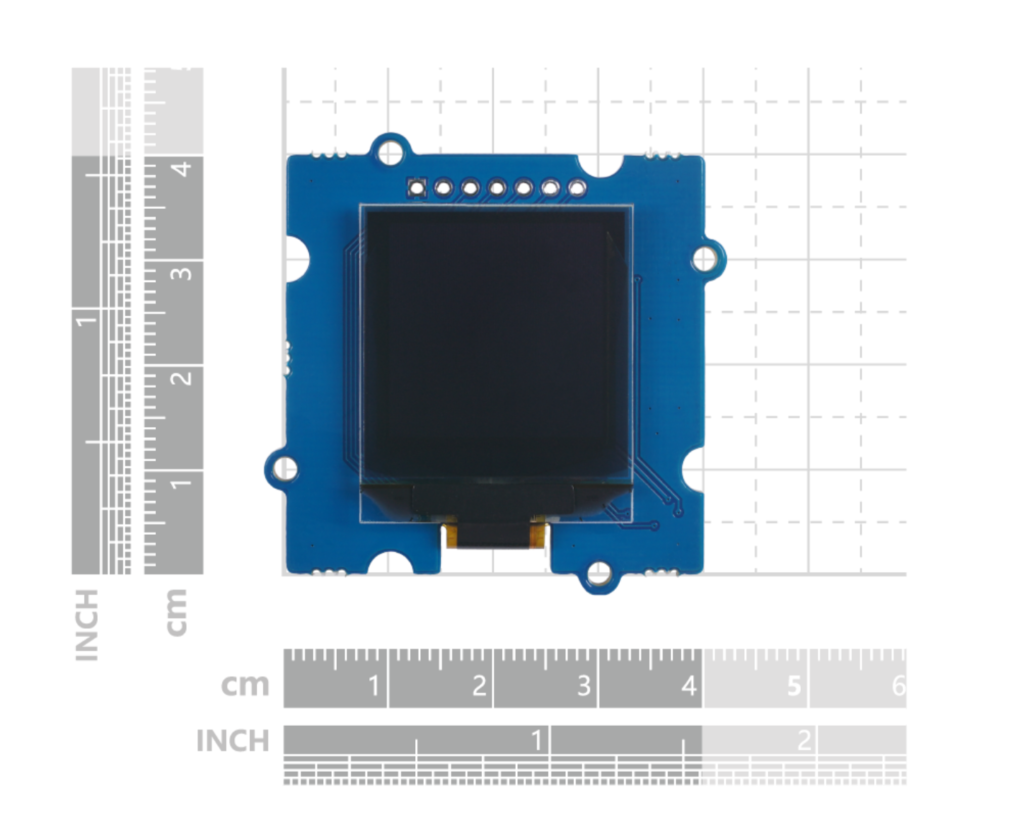
The compact 1.12-inch format is useful when you need a display but do not have much space. The 128 × 128 resolution allows you to show more information than a simple character display, while the monochrome OLED design keeps the visual interface clear and easy to read.
The Grove interface is also helpful for beginners. You can connect the display to a compatible development board with a Grove cable and start experimenting with your project without complicated wiring.
For more experienced developers, the support for both I2C and SPI provides additional flexibility.
What Can You Build with It?
The Grove – OLED Display 1.12 can be used in many different projects.
For example, you can connect it to a temperature and humidity sensor to create a simple environmental monitor:
Temperature: 25.6°C
Humidity: 58%
It can also be used for:
- Sensor monitoring
- Mini clocks
- Battery status displays
- Portable devices
- Robot projects
- IoT applications
The possibilities are simple but useful: whenever your project needs a small screen to show information, this OLED display can be a good option.
Conclusion
The Grove – OLED Display 1.12 (SH1107) V3.0 is a compact and versatile display module for Arduino, IoT, and embedded projects.
With its 128 × 128 resolution, SH1107 controller, I2C and SPI support, 3.3V/5V compatibility, and Grove interface, it provides a simple way to add visual information to your projects.
If you would like to explore the technical details, examples, and supported interfaces, check out the Seeed Studio Wiki. You can also view the Schematic File (PDF) for more information about the hardware design.
Ready to add a compact display to your next project?
👉Get the Grove – OLED Display 1.12 (SH1107) V3.0 and start building your next project with Seeed Studio.
Getting started with the Grove – OLED Display 1.12 is relatively simple!
About Author
