Home Assistant Hub: Understanding the Best Options for Your Smart Home
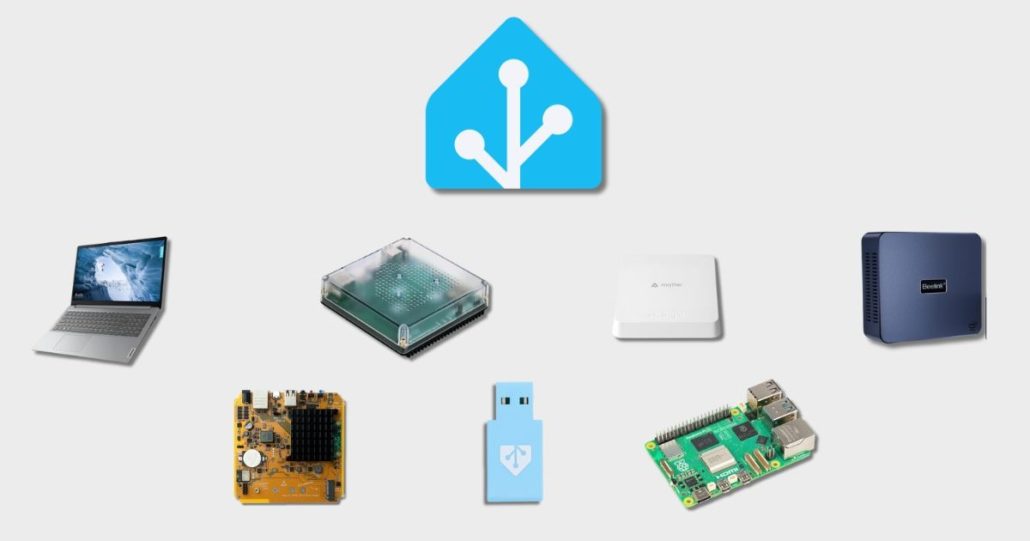
You’ve chosen Home Assistant to bring your smart home to life. Now comes the most important hardware choice: what will actually run it? Everything starts with the Home Assistant hub! It is the heart of your setup. This is where your devices connect, your automations run, and your data stays local.
When you choose the right hub, your smart home becomes faster, more stable, and easier to grow over time. Whether you are planning to use Zigbee devices, explore Matter, or keep things simple at first, the Home Assistant hub sets the foundation. Understanding how it works will help you move closer to the best Home Assistant hub for your needs, without unnecessary complexity.
What Is a Home Assistant Hub?
A Home Assistant hub is the hardware that runs your smart home. It’s the physical device where the Home Assistant software lives, whether that’s a compact appliance, a small computer, or a dedicated piece of hardware. This hub handles everything from your automations to your device connections. It acts as the central point where all the parts of your smart home come together.
Why Choosing the Right Home Assistant Hub Matters
Your hub influences nearly every aspect of your smart home experience. The right choice keeps your system responsive, reliable, and ready to grow. A well-suited hub makes adding new devices simple and running automations effortless. It determines how well you can integrate the latest smart home protocols. For instance, a dedicated home assistant matter hub offers native support for the new universal standard, while a specialized home assistant zigbee hub provides a robust and reliable network for compatible sensors and devices.
Selecting the best home assistant hub for your needs means investing in stability today and ensuring your system remains adaptable tomorrow. It’s the quiet backbone of your entire setup, and a thoughtful choice pays off daily.
Overview of Home Assistant Hub Types
Choosing a Home Assistant hub ultimately comes down to three main paths. You have the simplicity of an official, supported device. You have the flexibility and potential cost savings of a do-it-yourself solution. Or, you can opt for a dedicated hub designed around a specific smart home protocol. Each route offers different benefits, and the best choice depends entirely on how you want to interact with your smart home. Let’s look at what each category offers.
Official Home Assistant Hubs
For users who want a smooth, integrated experience, the official hubs are purpose-built.
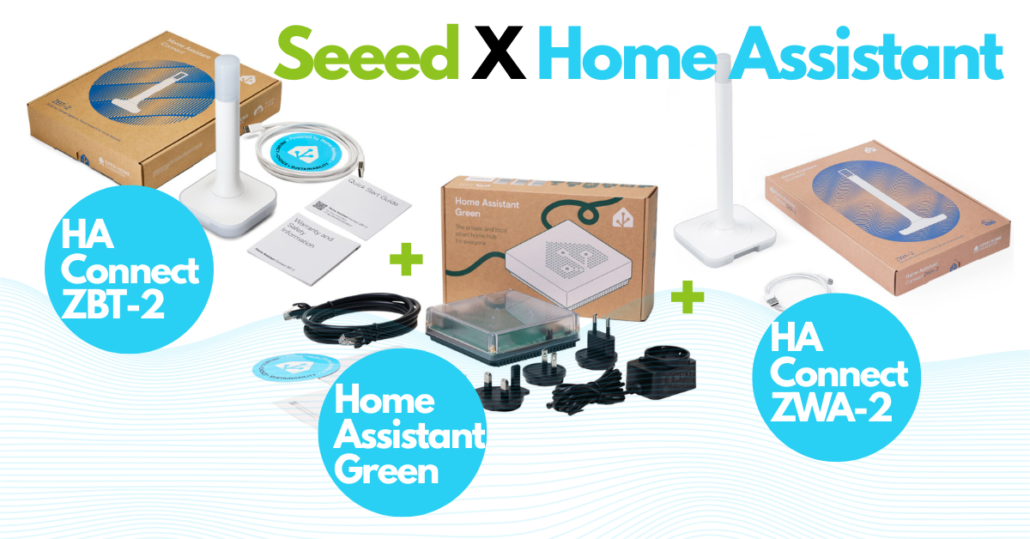
Home Assistant Green
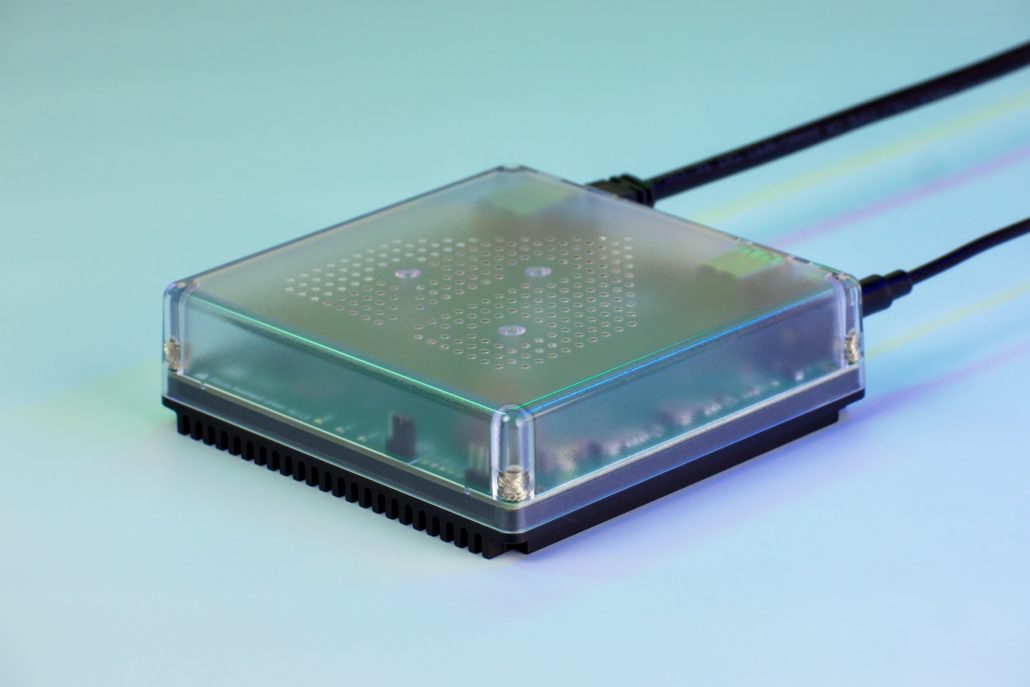
Home Assistant Green is the most straightforward way to get started with a Home Assistant hub. It comes ready to use, with Home Assistant preinstalled and optimized for daily use. You plug it in, follow a short setup process, and your smart home is ready to grow.
This hub is ideal if you value simplicity and reliability over customization. It is officially supported and actively produced, which means regular updates and long-term stability.
For many users, Home Assistant Green offers a balanced entry point that reduces technical friction while still allowing full local control over automations and data.
Note: To connect wireless devices like Zigbee sensors or Matter devices, you will need to add a compatible USB stick, such as the Connect ZBT-2, to your Home Assistant Green Home.
Home Assistant Yellow
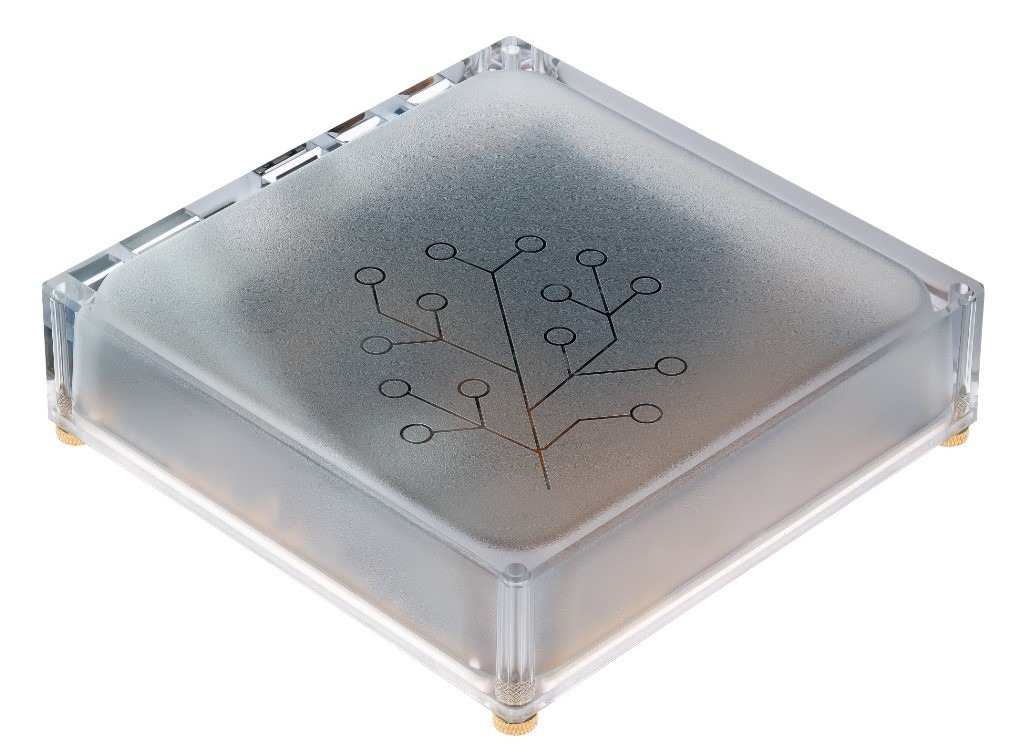
Home Assistant Yellow played an important role in the ecosystem, but its production ended in 2025. You can read the full announcement from the Home Assistant team here. Today, Yellow is no longer being produced or recommended for new setups.
If you already own one, it can still run Home Assistant, but it is not a future focused choice. Also, you might still find units available from resellers, but the platform is no longer being manufactured.
Home Assistant Green is considered its successor and replaces it as the main official hub option. Because of this transition, Yellow is now more of a historical reference than a practical recommendation.
DIY Home Assistant Hub Options
The DIY route offers maximum flexibility, letting you build your hub from common computing hardware.
Raspberry Pi Based Hubs
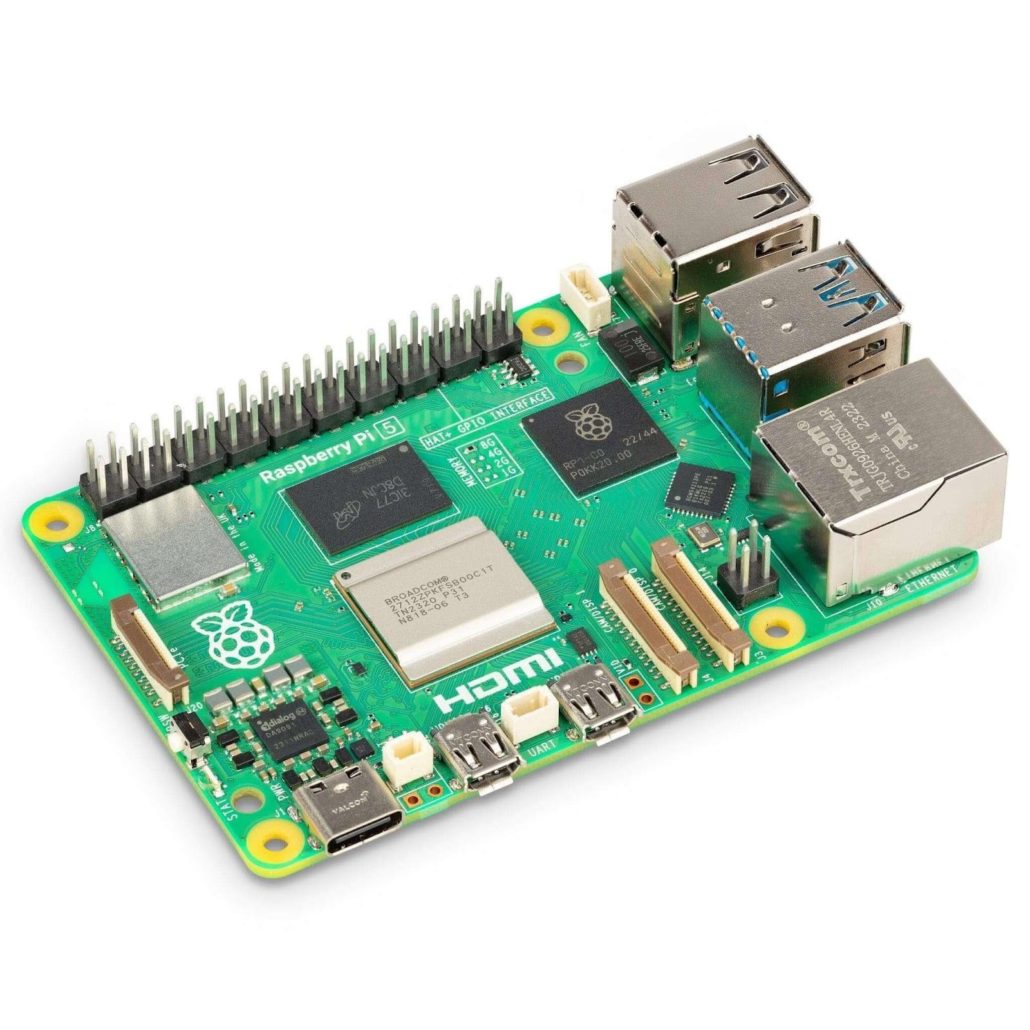
Running Home Assistant on a Raspberry Pi is a popular choice if you like flexibility. You control the hardware, the storage, and the future upgrades. A Pi 4 handles most homes comfortably. A Raspberry Pi 5 gives extra headroom for cameras, dashboards, or heavy automations. You will need a Zigbee or Thread USB stick, but setup is straightforward.
This option fits you if you want:
- Full control over your installation
- A large community and excellent documentation
- An affordable system that grows with your needs
Need a project idea? A classic first project is to replace a cloud speaker like Alexa or Google Home with Home Assistant on your Pi. It’s the perfect way to unify all your smart devices from different brands into a single, local interface that starts simple and expands over time.
Watch a common walkthrough here:
Mini PC or NUC
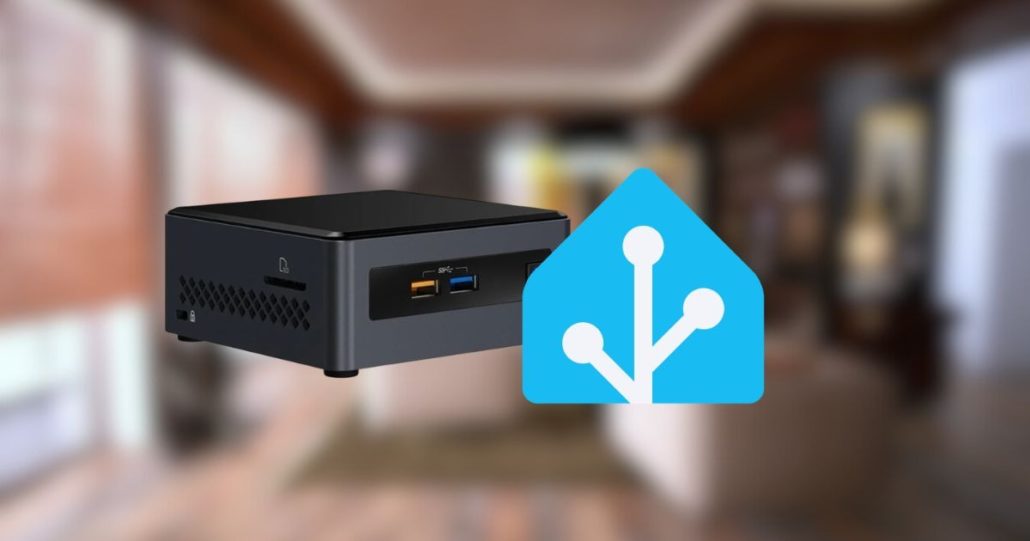
A mini PC gives you power and comfort. Everything feels fast, even with many integrations, cameras, or advanced automations. Updates are smooth and storage is usually an SSD, which improves reliability over time. This is a good choice if Home Assistant is part of a bigger home server setup.
You might prefer this if:
- You run many devices or complex automations
- You want long-term stability and performance
- You plan to add services like video recording or backups
- Energy use is higher, but still reasonable.
If you want a clear, no-stress walkthrough, this video shows step by step how to install Home Assistant on a mini PC, NUC, or old computer, with a focus on speed, privacy, and zero technical jargon :
Old Hardware
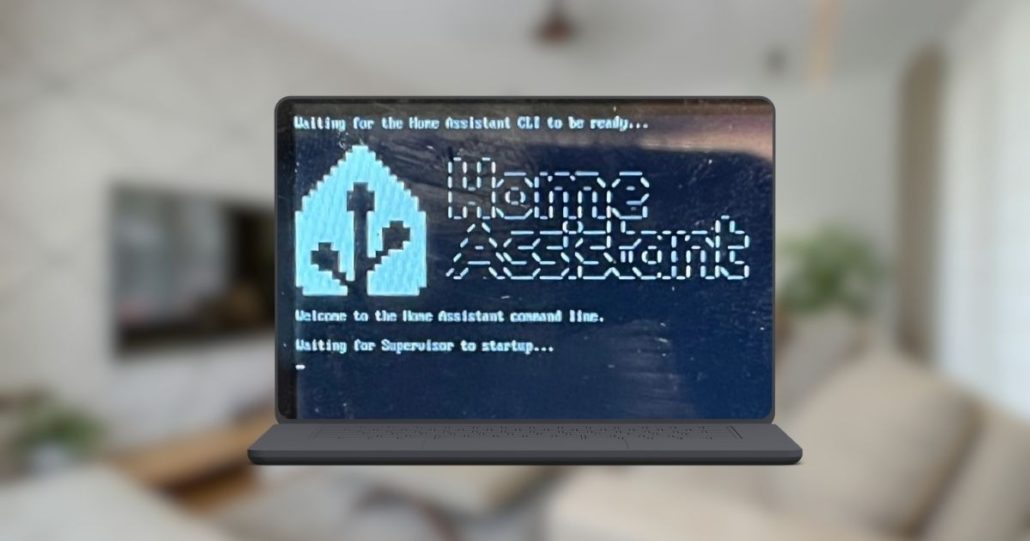
Old hardware like a spare laptop, an unused desktop, or even a NAS can also host a Home Assistant hub. This approach is practical if you want to reuse existing equipment. Performance varies depending on the machine, but SSD based systems usually perform well. Power consumption can be higher, and noise may be a factor. Still, this option works surprisingly well for many users and allows full flexibility. It is a smart way to experiment with Home Assistant without buying new hardware right away.
Here is a video that shows how a forgotten laptop repurposed into a working Home Assistant setup with minimal effort :
Expanding Your Hub: Protocol Adapters and Dongles
Once you have chosen your main hub (Home Assistant Green or a Raspberry Pi), you will likely need to connect wireless devices. This is where protocol adapters come in.
While people often search for a “Home Assistant Zigbee hub” or a “Home Assistant Matter hub,” these are technically USB dongles or adapters that plug into your main hub. They are not standalone computers, but they are essential for specific types of devices.
Home Assistant Zigbee Adapter (The “Zigbee Hub”)
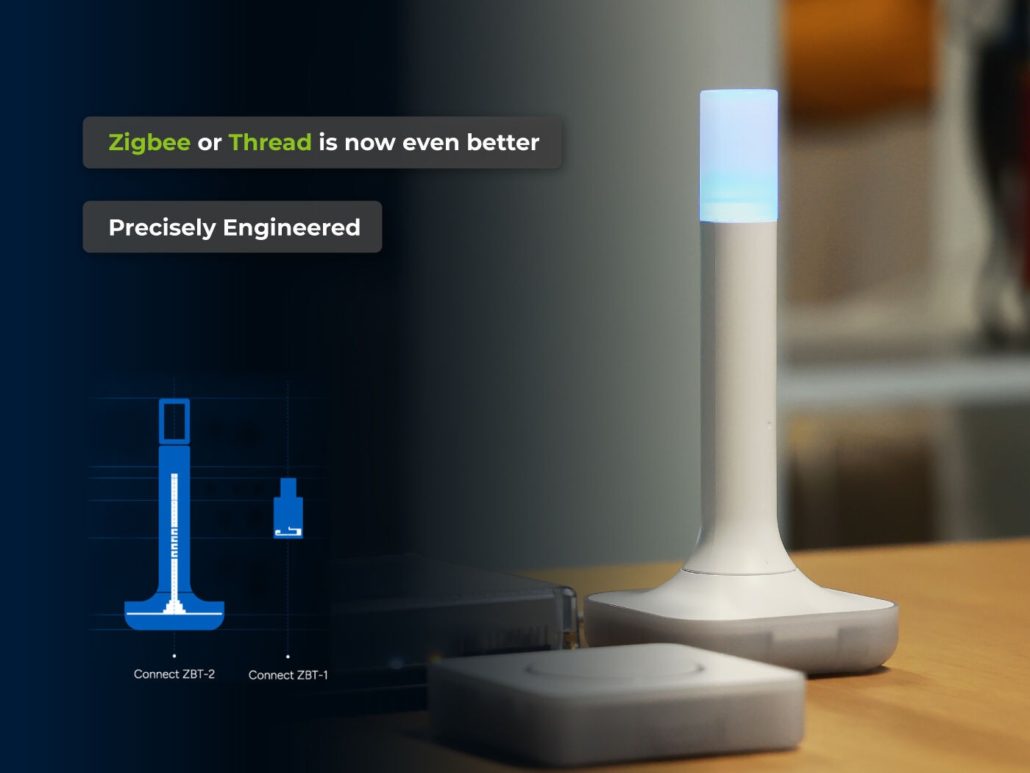
A dedicated Zigbee adapter helps you create a reliable network for all your Zigbee devices. At the heart of this setup, a coordinator like the Connect ZBT-2 manages your Zigbee lights, sensors, and switches, ensuring they communicate smoothly across your home.
- How it works: You plug the USB dongle into your Green, Pi, or PC.
- Benefit: It creates a local mesh network that doesn’t rely on your Wi-Fi, making your sensors incredibly fast and battery-efficient.
For a practical walkthrough, this video shows step by step how to build a robust Zigbee network :
Home Assistant Matter/Thread Adapter (The “Matter Hub”)
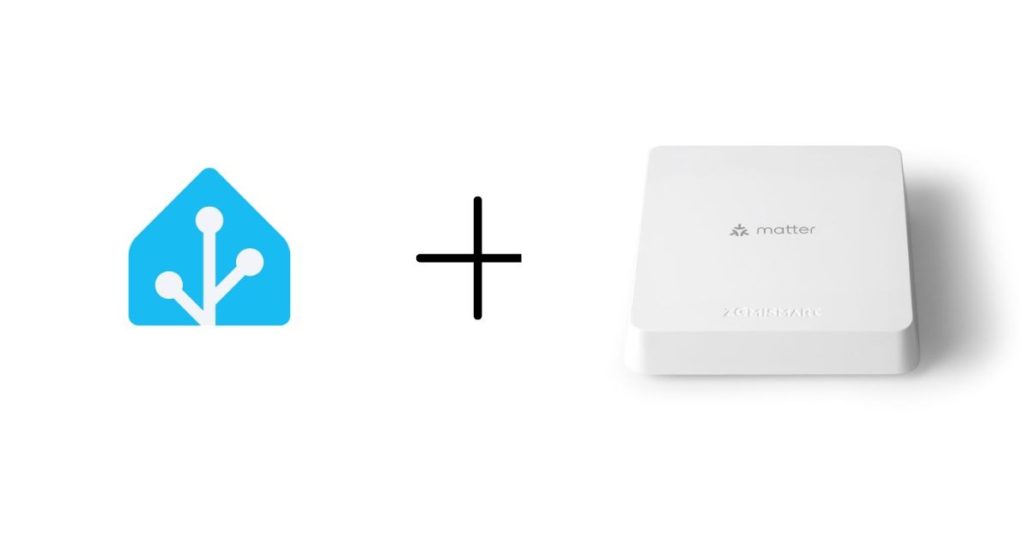
Matter is the new universal standard for smart homes. To use it, your Home Assistant hub needs a Thread Border Router capability.
- How it works: By using a compatible USB stick, your Home Assistant hub can talk directly to Matter-over-Thread devices from Apple, Google, or Amazon.
- Benefit: It ensures your home is future-proof and allows you to mix and match brands flawlessly without needing multiple proprietary bridges.
If you want to see how this works in real life, this video walks you through exposing your devices to Google Home:
Which Is the Best Home Assistant Hub for You?
Choosing the best Home Assistant hub depends mainly on how you plan to use your smart home and how comfortable you are with technology. There is no universal answer, but some options clearly fit certain profiles better than others.
Synthetic Comparison of Home Assistant Hub Types
| Hub Type | Setup Complexity | Primary Advantage | Performance | Best For |
| Home Assistant Green | Easy (Plug & Play) | Plug and play, official support | Good | Beginners and users who want simplicity |
| Raspberry Pi Hub | Medium (Manual install) | Flexible and affordable DIY option | Moderate | DIY users and small to medium smart homes |
| Mini PC / NUC Hub | Medium-High (OS & config) | Power and scalability | High | Advanced users and large smart homes |
| Old Hardware Hub | Medium to high | Reuse existing equipment | Variable | Experimenters and budget conscious users |
How to Choose Based on Your Profile
If you’re just starting out and want to avoid technical hurdles, the official Home Assistant Green is your clear choice. It gets you up and running quickly with full support.
If you enjoy building and customizing, the DIY route offers more flexibility. A Raspberry Pi is a great learning platform, while a Mini PC handles demanding setups with many devices and automations.
Your device ecosystem should guide you too. If your home is filling up with Zigbee sensors and lights, a dedicated Zigbee adapter provides the most stable and responsive network for them.
If you’re buying new devices and thinking long-term, a Matter-capable adapter is a smart investment to build your home on the new universal standard.
Future of Home Assistant Hubs and Smart Home Standards
The future of Home Assistant hubs is moving toward more capable hardware and cleaner integrations. You will see hubs built around reliable components, with USB dongles and embedded radios playing a key role. A Zigbee coordinator, connected through a dedicated dongle, will remain common for many homes, especially for sensors and lighting. At the same time, Matter and Thread are becoming more important, making it easier to connect devices from different brands without friction.
Local control will stay central. More devices will communicate directly with Home Assistant, without relying on cloud services. This improves speed, privacy, and stability. Thread networks will grow alongside Zigbee, often managed by the same hardware coordinator. As these standards mature, your smart home will feel more unified. Setup will be simpler, maintenance lighter, and long term support more predictable, even as your system evolves with new protocols and devices
Conclusion
A Home Assistant hub is more than just hardware. It is the foundation of how your smart home feels every day. The right choice depends on your experience level, your devices, and how far you want to go. Some users value simplicity and support, others want flexibility or raw power. By understanding the different hub types, including Zigbee and Matter focused setups, you can confidently choose the best Home Assistant hub for your situation. With the right foundation in place, your smart home stays reliable, local, and ready for what comes next.
If you want to build on that foundation with hardware designed specifically for Home Assistant, take a look at Seeed Studio, an official Home Assistant partner behind devices like Home Assistant Green and the Connect ZBT-2 coordinator.
—————————————————————- READ MORE —————————————————————-
As a proud partner of Nabu Casa, Seeed Studio is an official global distributor of Home Assistant hardware (Host, Accessory, and Control), shipping to 100+ countries. Complementing the official gear, we offer an extensive ecosystem of self-developed HA-compatible solutions—from industrial devices to DIY kits—with seamless MQTT and ESPHome integrations. From local servers to E-Ink dashboards, Seeed provides the definitive hardware foundation to bring your Home Assistant vision to life. [Explore the HA Collection]
About Author

Thank you Yuqi, this was a great overview for those starting out with home automation 🙂