Using Italian (any?) gestures as UI with Sensecraft AI: a report as visiting professor at MOME Budapest
I recently had the honor of being invited by the MOME Robotics Studio in Budapest to give a lecture in Professor Renáta Dezső’s course focused on the use of (Italian) gestures inspired by Bruno Munari’s 1963 “Supplement to the Italian Dictionary.”
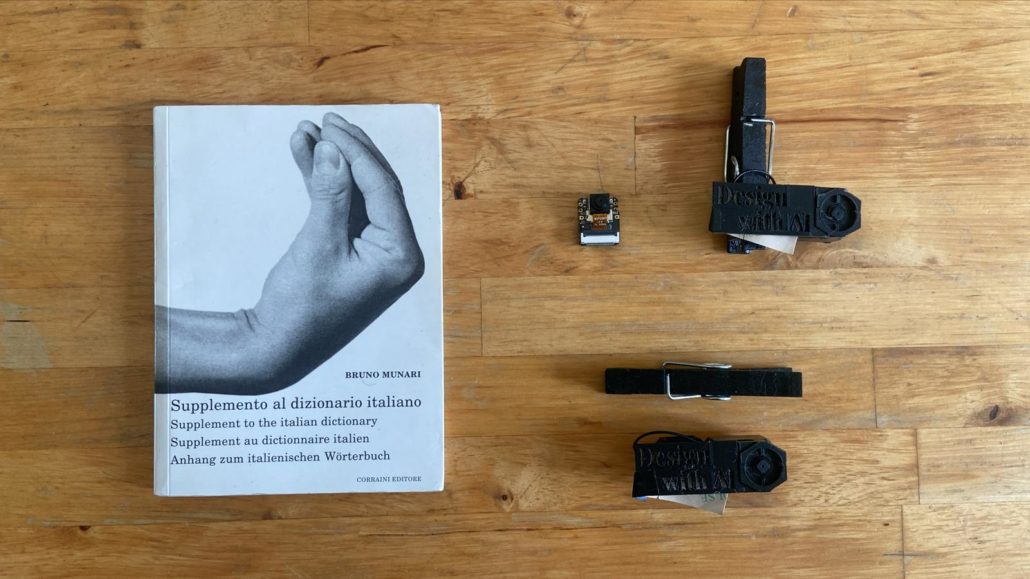
The Lesson at MOME
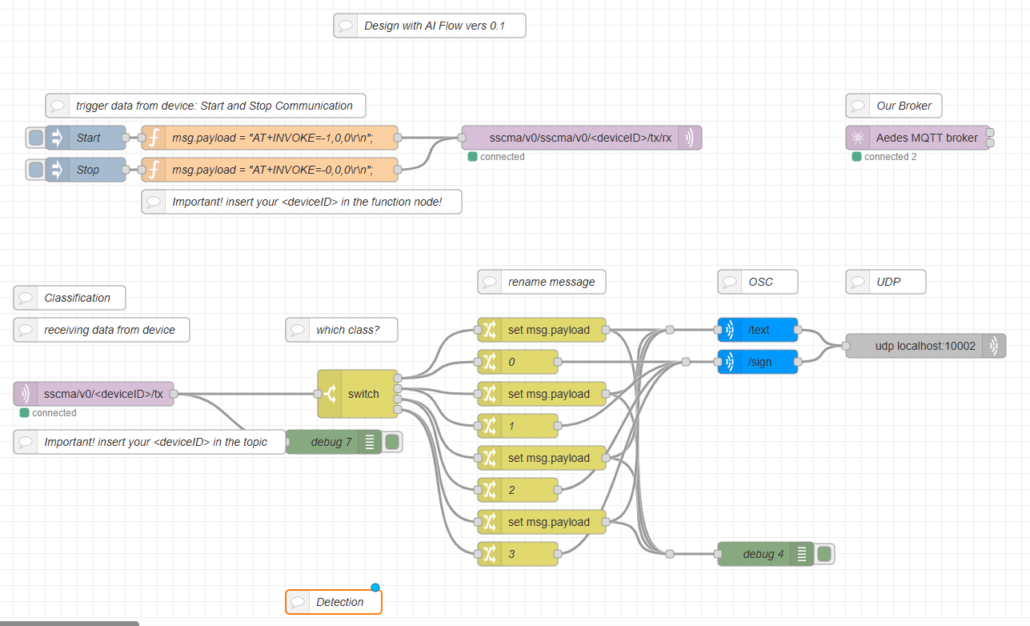
In fact, the goal of my lesson for the students was to train a model using Sensecraft with Xiao ESP32S3 Sense modules. Once this was done, the data would be sent to Touch Designer -a software widely used by students to create installations – via Node-RED.
I made a YouTube video (english subtitled) and saved everything in a GitHub repository so you can recreate the entire experience.
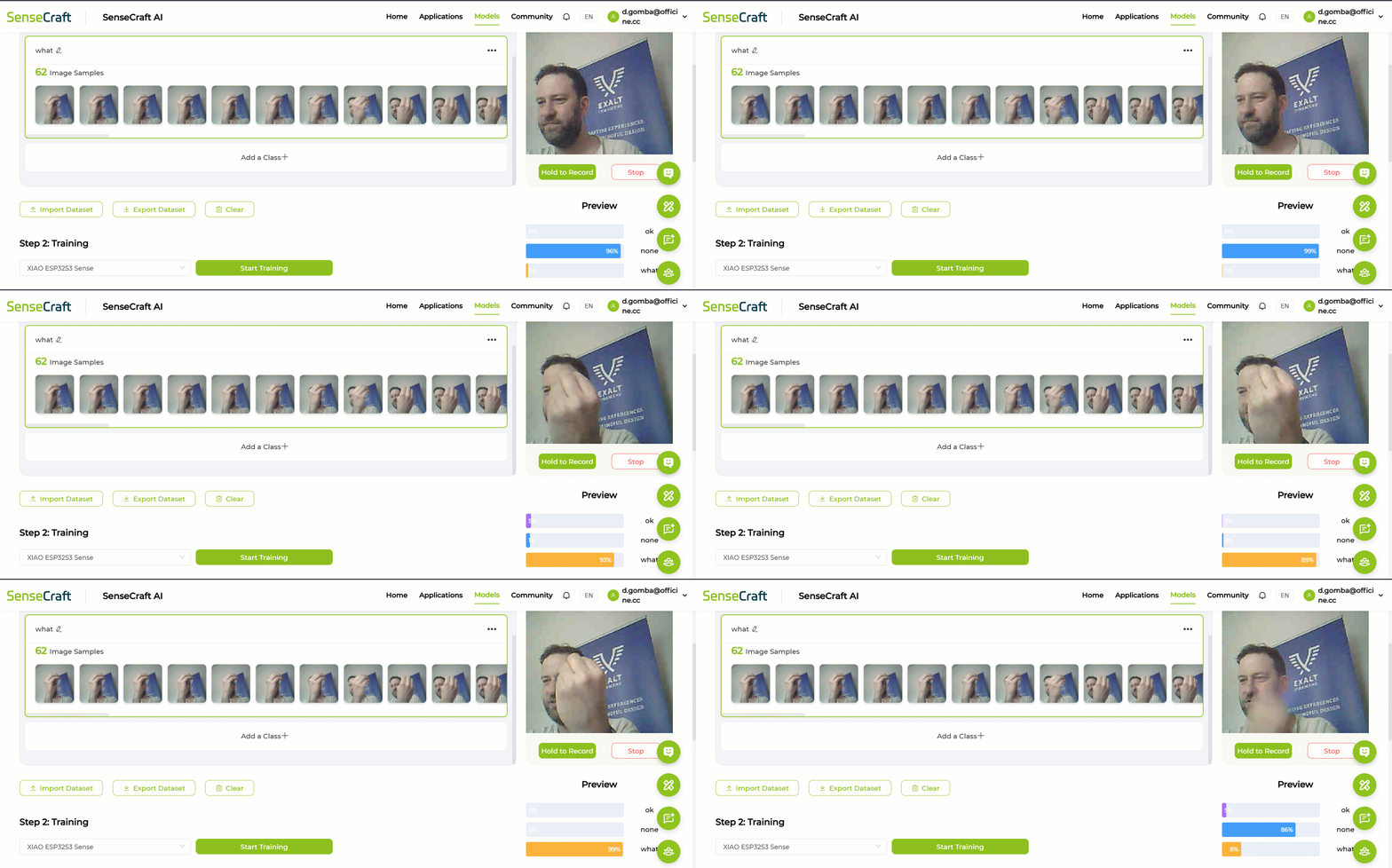
Each participant was provided with a Xiao ESP32Se Sense, and we took our first steps on the Sensecraft AI platform. Initially, the goal was to understand that the platform allows users to interface with various boards—this enabled us to explore the various prototyping options available to users: SenseCAP A1102 and Watcher, Jetson Orin Nano, and the smaller boards: Grove Vision AI 2 and the Xiaos.
We therefore “got acquainted” with the predefined models, which are simpler but not always accurate: this allowed me to introduce the concept of model creation and the importance of the brightness and variety of photos for each model, as well as, of course, the difference between detection and classification.
Once everyone had developed their own model by recording the gestures they found most interesting (not necessarily Italian ones- any kind of gesture!), the workshop’s main challenge became clear.
I wanted to figure out the best way to receive the camera feed locally. Among the options available in Sensecraft, I chose MQTT, and by hosting a broker on the local network, I decided to demonstrate to the class the powerful capabilities of Node-RED for extracting data from a JSON file and sending it—in this case—as an OSC command to my Touch Designer. We then set up the classroom, with everyone connected to my router, and I was thus able to forward the messages from each Xiao to its owner’s Touch Designer. The bravest ones set up their own brokerage firm and did everything on their own.
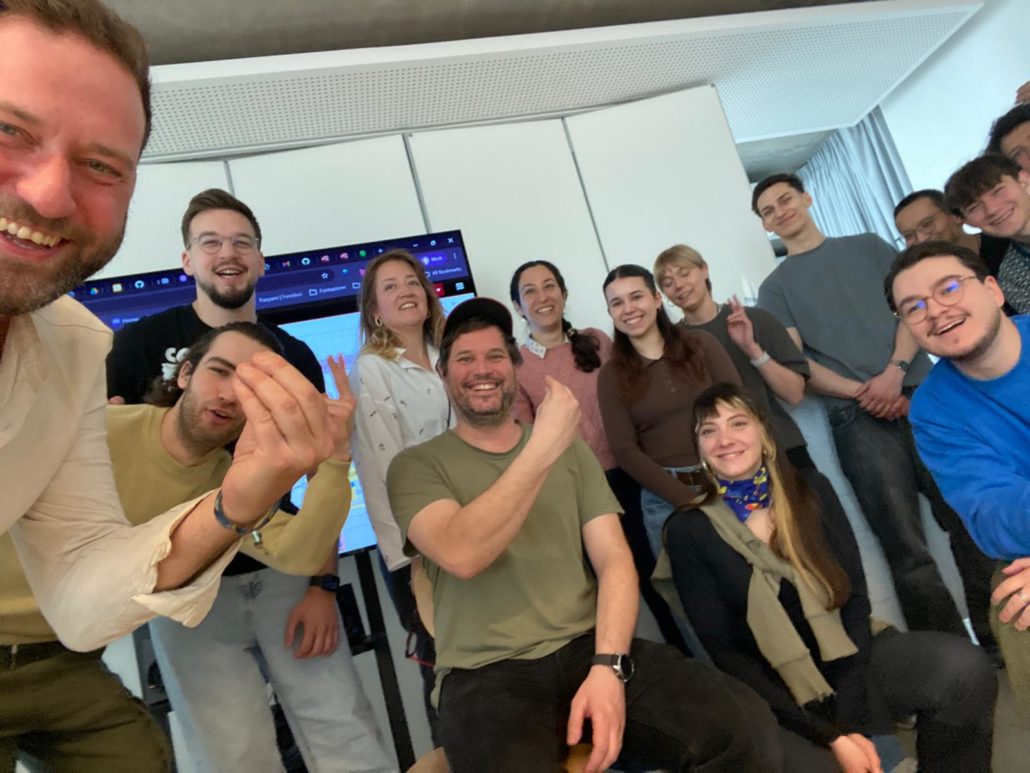
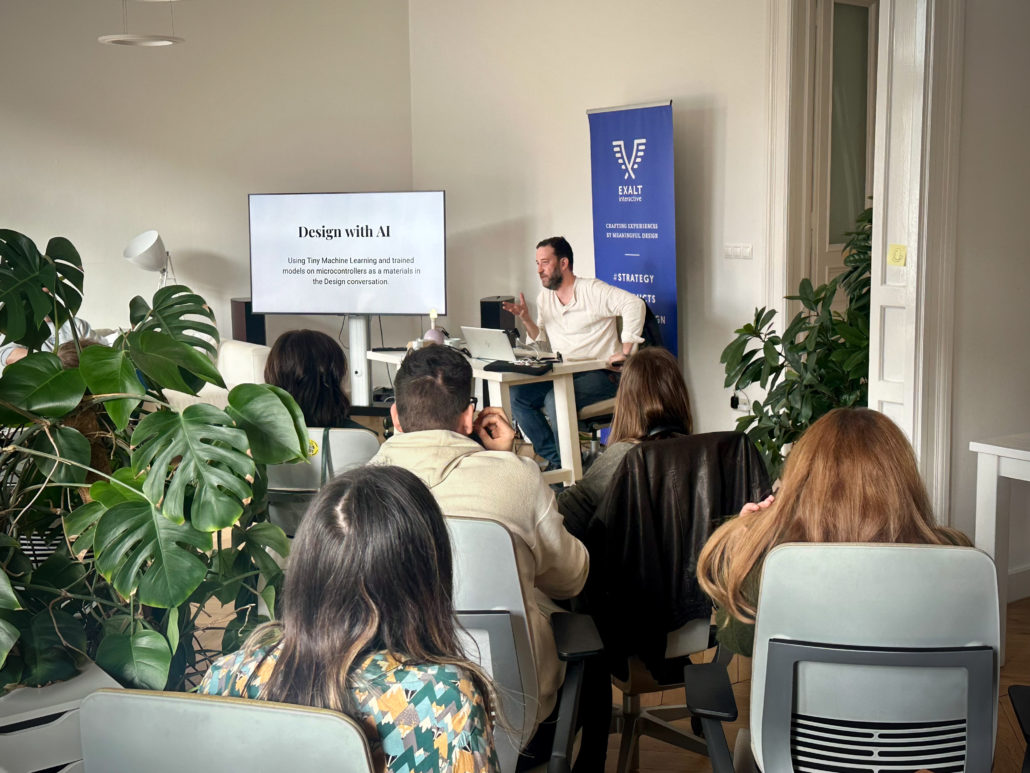
The Lesson at Exalt Interactive
That same afternoon, I was invited to give a second lecture: this time at a major company focused on innovation and UX: Exalt Interactive.
This kind of meeting was a little different: I demonstrated the system’s capabilities by doing everything myself, very slowly.
The participants had a lot of questions and were very curious, especially about certain features I hadn’t yet tested in Sensecraft, such as training for sounds, noises, and malfunctions. Doing this simultaneously with a class of 20 students isn’t feasible, but it might actually make sense in presentations to create a sense of drama. Note to self: bring a small motor you can use to demonstrate vibration analysis as a model!
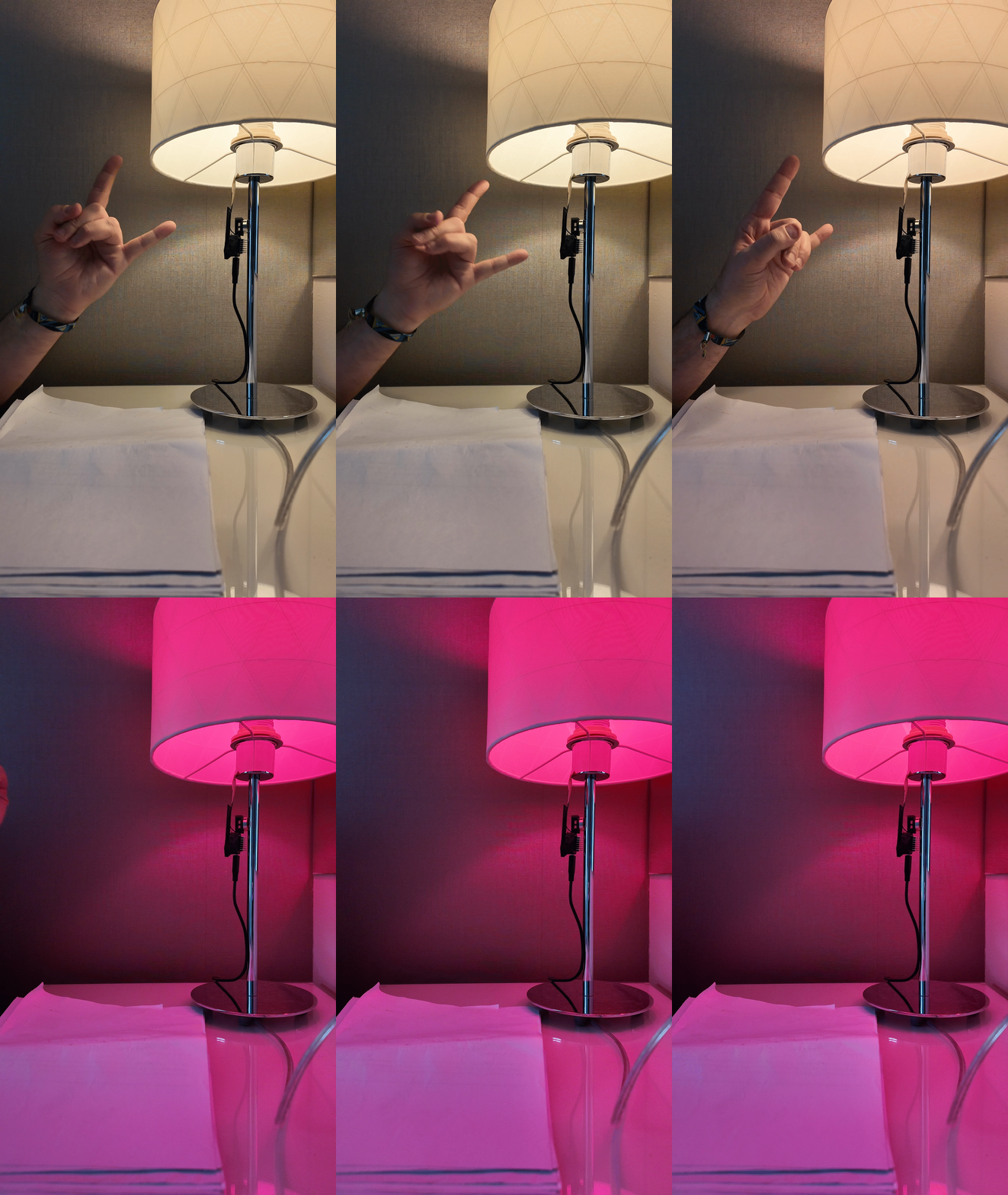
I decided to change the final part of the workshop: instead of controlling Touch Designer via OSC, I would show Tamas Fogarasy’s team how to control the behavior of a Philips HUE light bulb. I recreated a demonstration of the experiment in 34 seconds, on the left, a short GIF.
I have found the possibility to control domotics evironments based on gesture so inherently inspiring, opening to so many opportunities adding new layers of cultural and physical semiotics to furnitures and interfaces.
This opportunity inevitably raises the issue of privacy as a primary concern: in a world where we are constantly monitored by our own devices or others’, by cameras in cities and outside our homes, a device that watches us inside our homes is not always welcome. But Sensecraft’s Tiny Machine Learning offers exactly that: offline recognition without any communication or streaming whatsoever.
I’m glad I explored the topic in depth and turned it into a fun metaphor for Italian gestures—but not only that.
About Author
