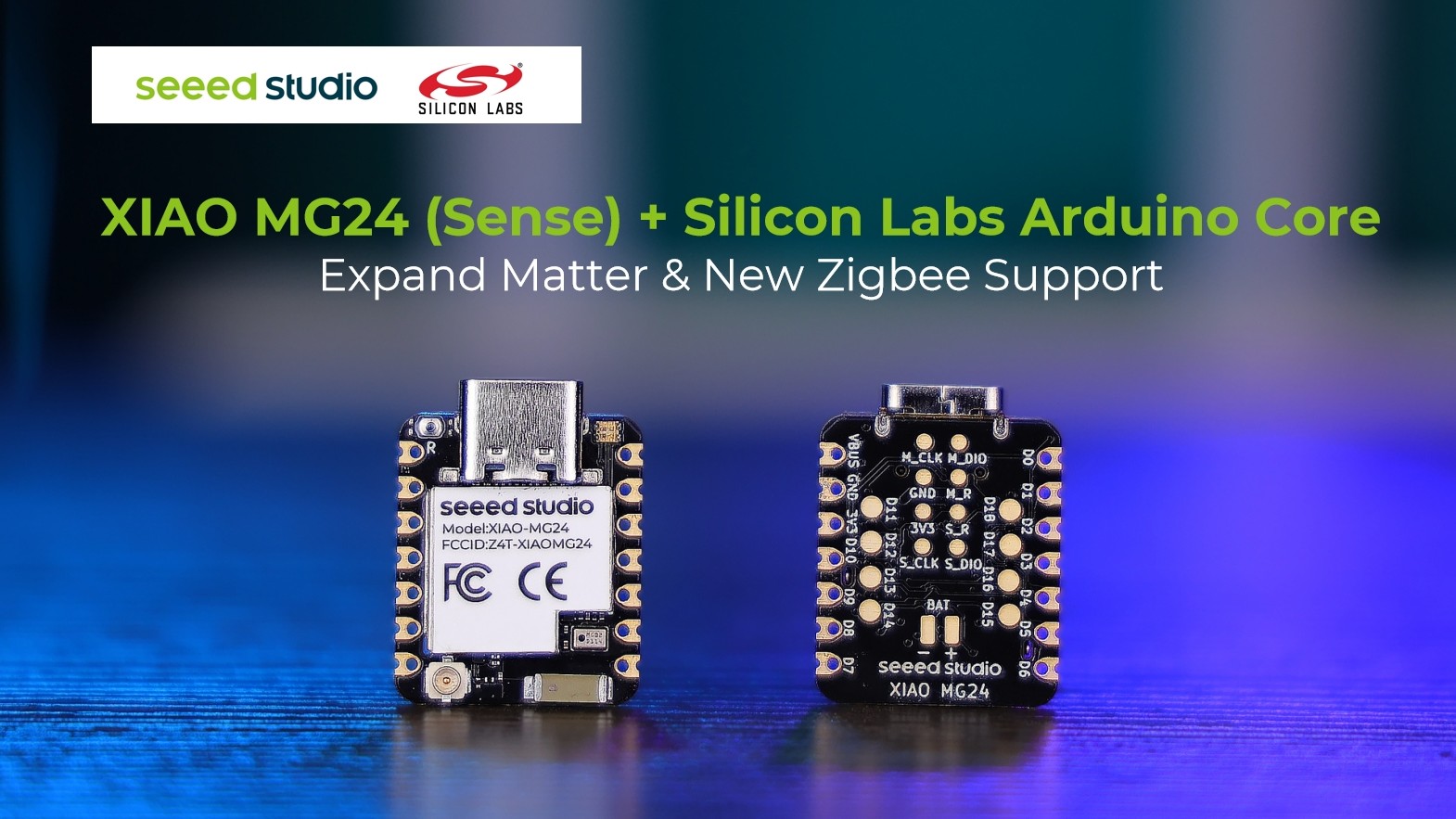
Building connected devices often means choosing a wireless protocol before you even start developing. Matter, Zigbee, Bluetooth, and Thread each have their own stacks, tools, and development workflows.
With the latest Silicon Labs Arduino Core 5.0 , developers using the Seeed Studio XIAO MG24 andXIAO MG24 Sense now have more options within the same Arduino-based development environment, including a new Zigbee library alongside the existing Matter and Bluetooth support. For developers working on compact smart home and IoT devices, this makes the XIAO MG24 (Sense) an even more flexible starting point.
1. More Matter Device Types
The new Arduino Core expands the Matter library with support for additional device types, including:
Water Valve
Water Heater
Thermostat
Door Lock
Fan
Air Quality Sensor
Occupancy Sensor
Contact Sensor
Temperature, Humidity,
Pressure and
Illuminance Sensors
Smart Plug and Outlet
Light and Dimmable Light
It also adds features such as Matter switch binding and time synchronization, giving developers more flexibility when building Matter devices.
XIAO MG24 and XIAO MG24 Sense are also supported for Zigbee development, giving developers another wireless protocol option alongside Matter, Thread and Bluetooth LE.
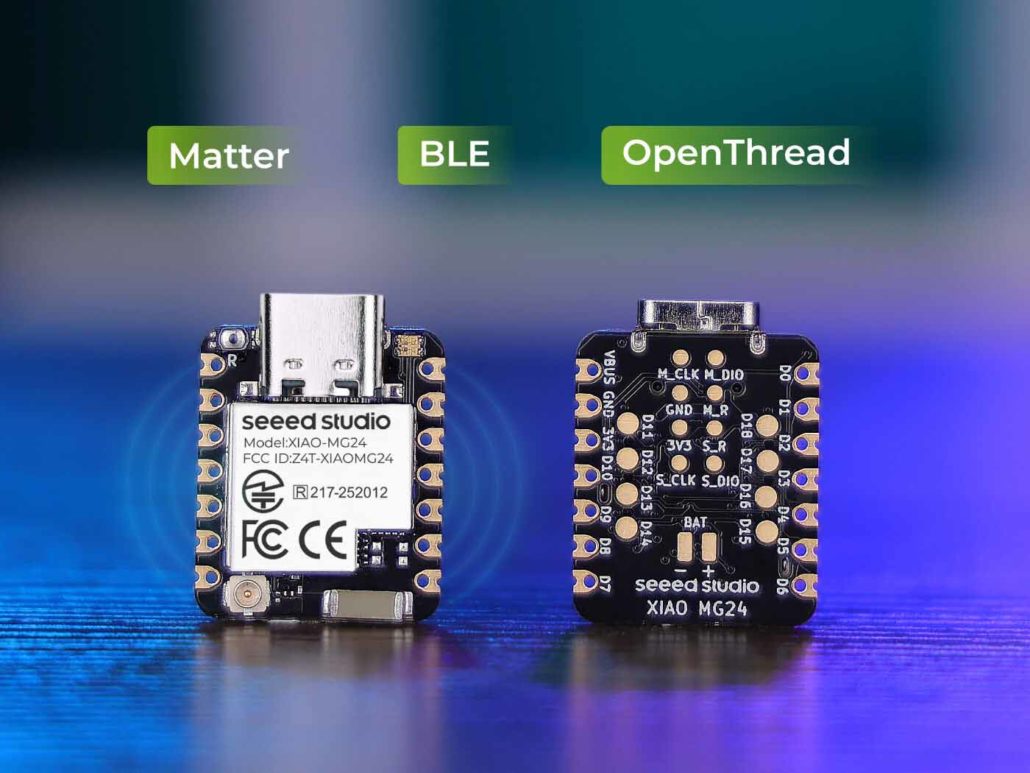
Built around the Silicon Labs EFR32MG24, XIAO MG24 (Sense) is designed for compact and low-power wireless applications. The platform supports Matter, Zigbee, Thread and Bluetooth LE, allowing developers to choose the connectivity technology that best fits their project. Click the buttons below to learn more.